
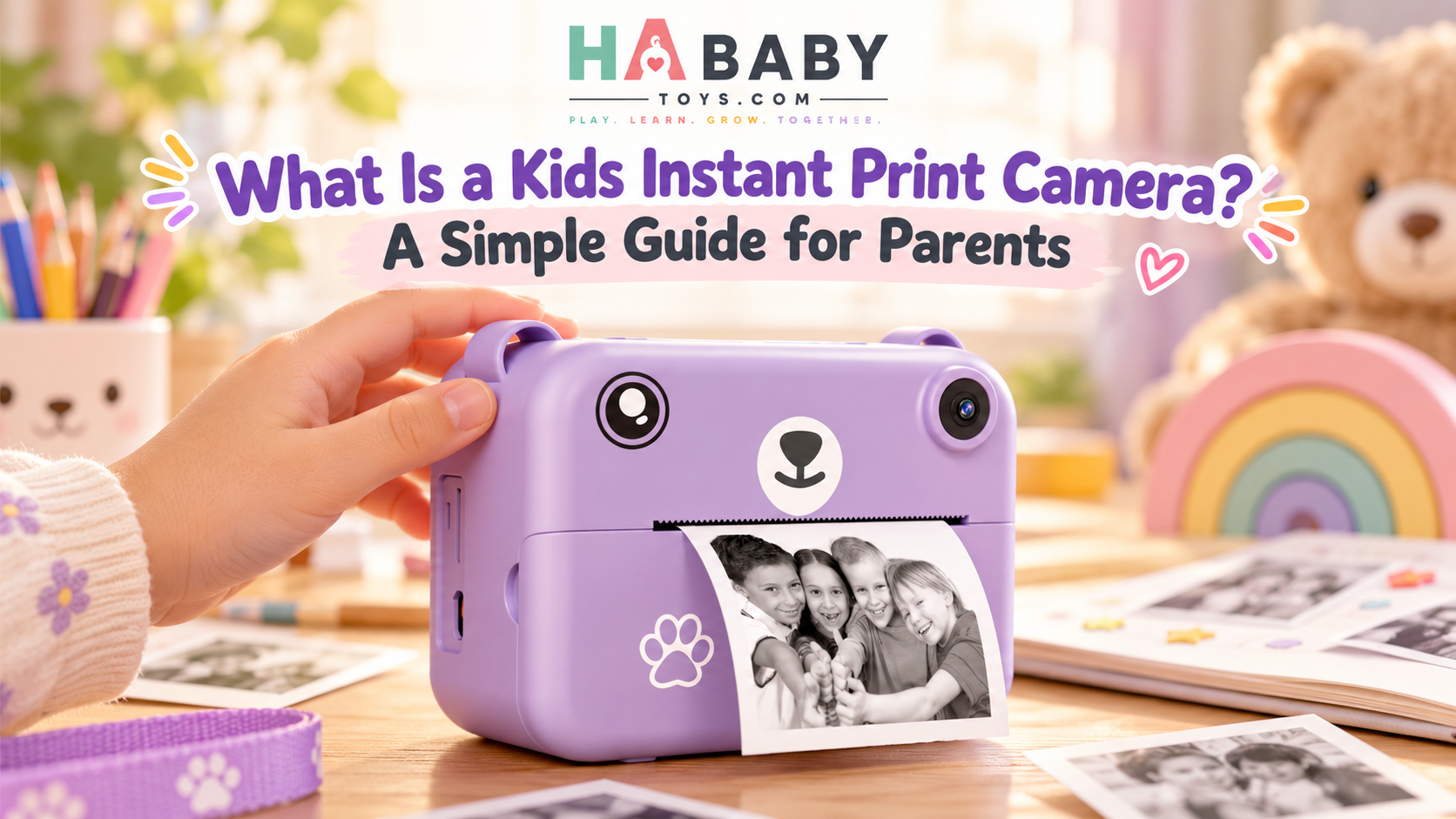
A kids instant print camera combines a simple digital camera with a built-in printer, allowing children to take photos and print them almost immediately. Many models use thermal printing, so parents do not need to buy ink cartridges.
If you keep seeing these cameras online and are not sure how they differ from a normal kids digital camera or a kids camera with printer, this guide is written for exactly that confusion. It walks through what the device is, how it works, what children actually do with it, and what to check before buying — without assuming you already know the technical terms.
Quick Answer
A kids instant print camera is a child-friendly digital camera with a built-in printer. Children can:
- Take photos
- Preview images on a screen
- Print selected pictures
- Record videos on many models
- Add frames or simple effects
- Use printed photos for crafts, albums, and creative play
Parents who want a complete overview can explore the HA Baby Toys guide to kids instant print cameras.
How It Works
The five-step photo workflow behind every print
Kids Instant Print Camera
Take a photo, print it, keep it
Capture
The child takes a photo.
Preview
They view the image on the camera screen.
They choose to print the image.
Decorate
They can color, label, or add it to a craft.
Keep
The photo becomes a physical memory.
Capture → Preview → Print → Decorate → Keep
What Exactly Is a Kids Instant Print Camera?
Think of it as a kids digital camera and mini photo printer combined into one device. The child holds it like a normal camera, presses a shutter button, sees the image on a small screen, and then — if they want — prints it directly from the camera body.
There is no separate printer to connect, no phone to pair, and usually no ink to buy. That single combination is what makes the category different from an ordinary children’s digital camera.
Common components across most models include:
Camera lens
Captures the photo, usually at a basic point-and-shoot quality.
Digital screen
Lets the child preview, review, and select photos.
Shutter button
A simple control designed for small hands.
Built-in printer
Prints selected photos directly from the camera body.
Paper compartment
Holds the thermal paper roll used for printing.
Memory card support
Included on some models for saving digital copies.
Video mode
Available on many models, turning it into a simple kids video camera too.
Filters and frames
Simple digital effects depending on the model.
Charging port
Usually USB-based, with battery life varying by model.
How Is It Different From a Normal Kids Digital Camera?
This is the most common source of confusion. A standard kids digital camera saves photos to memory. A kids instant print camera saves photos and prints them. That difference changes how children use the device.
| Feature | Kids Instant Print Camera | Standard Kids Digital Camera |
|---|---|---|
| Takes photos | Yes | Yes |
| Saves digital photos | Usually | Yes |
| Prints photos | Yes | No |
| Requires separate printer | No | Yes, if printing |
| Creative paper activities | Easy | Less immediate |
| Video recording | Often | Often |
| Immediate physical result | Yes | No |
What Is a Thermal Print Camera for Kids?
Many kids instant print cameras use thermal printing instead of ink. The printer creates the image by heating special thermal paper. The heat reacts with a coating on the paper to form the image, which is why no ink cartridge is needed.
Practical benefits of thermal printing
- No ink cartridges to buy or replace
- Simple paper roll replacement
- Quick printing from the camera itself
- Usually black-and-white prints
- Well suited to drawing, coloring, and craft activities
Limitations worth knowing
- Thermal prints may not look like traditional photo prints
- Print quality varies between models and paper types
- Thermal paper can fade over time
- Not all thermal papers are identical — use manufacturer-recommended rolls
For broader context on how thermal printing is used in consumer products, the U.S. Federal Trade Commission’s consumer product resources explain labeling and safety expectations, while the U.S. Consumer Product Safety Commission covers general product safety standards.
Inside the Camera: What Each Part Does
If you have never held one of these cameras, the parts can look unfamiliar. Here is a plain-language breakdown of what each component does.
Lens
Takes the photo. Basic point-and-shoot quality is typical for this category.
Screen
Preview and review photos. Size varies by model.
Print slot
Where the printed photo emerges after printing.
Paper roll
The thermal paper supply inside the camera.
Buttons
Simplified controls designed for small hands.
Storage
Internal memory and, on many models, a microSD card slot.
Charging port
Usually USB. Battery life varies by model and use.
What Can Kids Actually Do With It?
Printing is only the beginning. The real value shows up in how children use the physical photos once they exist.
Take family photos
Children can photograph parents, siblings, pets, and toys.
Create a mini photo journal
Take one photo every day and print it as a record.
Make a travel album
Print photos during trips and collect them in a small book.
Create treasure hunts
Parents can photograph clues and hide them around the house.
Make story cards
Print pictures and arrange them into a simple story sequence.
Decorate a bedroom board
Kids can display favorite prints on a pinboard or wall.
Practice observation
Ask the child to photograph something red, round, soft, or outside.
Make gifts
Children can create photo cards for grandparents or friends.
Is It Only a Toy, or Can It Encourage Learning?
The camera is not a substitute for learning activities, but it can turn everyday experiences into prompts for observation, storytelling, and creative projects. Photography gives children a reason to look closely, make choices, and explain what they see.
Activities around the camera can encourage:
- Observation
- Creativity
- Storytelling
- Visual choices
- Fine motor interaction with buttons
- Sequencing
- Memory-making
- Parent-child conversation
This is where organizations focused on early learning offer useful context. The National Association for the Education of Young Children (NAEYC) describes play and creative expression as central to how young children learn. UNICEF Parenting highlights responsive interaction during play, and the Harvard Center on the Developing Child explains how back-and-forth experiences help build early brain architecture. ZERO TO THREE also offers practical guidance on creative play in the toddler years.
Best Ages for a Kids Instant Print Camera
There is no single “right” age. It depends on the child and the model. Here is how the experience usually differs.
Younger children
They may need help with:
- Holding the camera steadily
- Framing photos
- Loading paper
- Navigating menus
Older children
They may enjoy:
- Taking independent photos
- Creating albums
- Using filters
- Recording videos
- Making photo stories
Always follow the manufacturer’s age recommendation for the specific camera model. Age guidance is set for safety and usability reasons and can vary between products.
How Parents Can Introduce the Camera
You do not need a lesson plan. A short, calm first session is enough.
- Charge the camera.
- Load the correct thermal paper.
- Show the child how to hold it.
- Take one sample photo together.
- Print one image so they see the result.
- Let the child experiment.
For a full step-by-step tutorial, see how to use an instant print camera for kids. Parents who want to understand the wider creative value can also read why parents may choose a kids camera with printer for creative play.
Try the 5-Photo Challenge
Ask the child to capture:
- Something they love
- Something colorful
- A family member
- Something funny
- Something from nature
After printing, let the child arrange the photos into a mini story. This gives the camera a purpose beyond novelty and turns a short activity into a small creative project.
Instant Print Camera vs Smartphone
This comparison is not about which is better. It is about which fits the situation.
| Feature | Kids Print Camera | Smartphone |
|---|---|---|
| Designed for children | Yes | Usually no |
| Physical prints | Built in | Requires printer |
| Parent notifications and distractions | Minimal | High |
| Apps and social media | Usually none | Common |
| Simple controls | Usually | More complex |
| Camera quality | Basic to moderate | Usually higher |
| Creative physical play | Strong | Lower without printer |
Why Some Parents Prefer a Separate Kids Camera
Practical reasons come up again and again among parents who choose a dedicated device rather than letting a child use a family phone.
- Keeps children away from personal phones
- Reduces accidental access to messages and apps
- Gives children their own device
- Encourages intentional photo taking rather than endless scrolling
- Adds a physical printing activity
- Can be easier to supervise
For broader digital wellbeing guidance, Common Sense Media provides practical advice on screen use and children’s technology, while the American Academy of Pediatrics publishes family media guidance that can help parents set expectations around any device.
60-Second Buying Checklist
Before you buy, run through these points. It takes less than a minute.
- Recommended age for the model
- Camera size and grip for your child
- Screen size and clarity
- Print method (thermal or otherwise)
- Paper availability and cost
- Battery life and charging method
- Memory and storage options
- Video function
- Durability and build quality
- Included accessories
- Parental controls, if relevant
- Replacement thermal paper cost over time
Parents ready to compare available options can browse the HA Baby Toys shop.
What Print Quality Should Parents Expect?
This is where buyer disappointment usually happens. Kids thermal print cameras are generally designed for fun and creative play, not professional photo printing.
Realistic expectations:
- Prints are usually small
- Often black-and-white
- Detail may be limited
- Great for drawing, scrapbooking, journaling, and crafts
- Digital versions may look better than printed versions
If you go in expecting a keepsake-grade print, you will likely be disappointed. If you expect a quick, fun, child-sized print that can be colored in or glued to a notebook, the experience usually matches the product.
Is Thermal Paper Safe for Children?
Thermal paper is widely used in consumer products, but parents should still follow basic precautions.
- Use only manufacturer-recommended paper for the specific camera
- Check the product instructions for storage and handling guidance
- Avoid unverified replacement rolls, which may vary in quality
- Children should not chew or mouth the paper
- Store paper properly to avoid damage or fading
- Supervise younger children during printing activities
For product-safety context, the U.S. Consumer Product Safety Commission provides guidance on children’s products, recalls, and hazards, and HealthyChildren.org from the American Academy of Pediatrics covers safe play practices in more detail.
Do not make broad safety claims without sourcing them. If you are unsure about a specific paper or product, contact the manufacturer or check the official product documentation.
Privacy: An Important Parent Check
This is the section most product pages skip. Before buying, check whether the camera:
- Connects to Wi-Fi
- Connects to Bluetooth
- Uploads images anywhere
- Has companion apps
- Stores photos locally only
- Requires an account to use
A simple offline camera can reduce some privacy concerns, but parents should still check the actual model’s connectivity and storage features before purchase. For guidance on children’s privacy and connected products, the U.S. Federal Trade Commission’s children’s privacy resources explain the rules that apply to products marketed to children, and Common Sense Media publishes independent guidance on connected toys and devices.
Storage and Memory Explained
Parents often do not know how much storage a kids camera actually has or whether they need to buy a memory card. Here is the simple version.
- Internal storage: A small built-in memory that usually holds a limited number of photos.
- microSD cards: Many models accept a microSD card for extra capacity. Capacity and maximum supported size vary by model.
- Photo capacity: Depends on resolution and available storage.
- Video storage: Video files are much larger than photos, so storage fills faster in video mode.
- File transfer: Many models allow photos to be moved to a computer via USB or a card reader.
Avoid specific capacity numbers unless they are confirmed for the exact model you are buying. Check the product page or manual for the real specifications.
What About Video?
Many kids instant print cameras also include video recording, turning the device into a simple kids video camera as well as a photo camera.
Possible uses include:
- Birthday clips
- Toy demonstrations
- Mini interviews
- Nature videos
- Family messages
One important practical note: video normally stays digital rather than being printed. The printed output is for photos, so parents should not expect to print a video clip.
Kids Photography Ideas
These short activities give the camera a purpose and turn photography into a small game.
Color hunt
Photograph five different colors around the house or garden.
Alphabet hunt
Find objects starting with different letters and photograph them.
Nature walk
Photograph leaves, flowers, rocks, or clouds.
Toy story
Create a photo story using favorite toys as characters.
Family reporter
Interview family members and take portraits.
Before and after
Photograph a craft before and after it is finished.
My day
Take five photos that show what the child’s day looks like.
Color match
Find something in the room that matches the color of a printed photo.
Common Parent Concerns
“Will my child waste too much paper?”
Set a simple print limit per session. Many families use one or two prints per play session, which keeps the activity focused and the paper supply lasting.
“Will the camera be difficult to use?”
Most kids models use simplified controls. Younger children may need help with holding the camera and loading paper, but taking a photo is usually straightforward.
“Are the photos good quality?”
They are good for creative play, not for archival or professional use. Small size, limited detail, and often black-and-white output are normal for this category.
“Will thermal prints last forever?”
No. Thermal prints can fade over time, especially with heat, light, or friction. They should not be treated like archival photo prints.
“Can I save digital copies?”
It depends on the model. Some cameras save photos to internal memory or a microSD card, which can then be transferred to a computer. Check the specific product details.
“Does it need ink?”
Thermal models usually do not need ink. They use heat and thermal paper instead. If a model uses a different printing method, the product page will specify the requirements.
Who Is This Camera Best For?
Good fit if you have:
- Creative kids who enjoy crafts and visual storytelling
- Curious explorers who like scavenger hunts and nature
- Children who love taking photos and want their own device
- Gift buyers looking for a fun birthday or holiday option
- Parents wanting screen-light creative play
Consider another product if you:
- Want professional-quality photos
- Need full-color instant prints
- Want a waterproof action camera
- Have a child below the manufacturer’s recommended age
- Do not want to buy replacement paper
- Need advanced photography controls
The wording “screen-light” is intentional. The camera still has a screen, but its primary purpose is taking and printing photos rather than consuming apps or videos, which is a meaningful difference for many families.
Ready to compare kids instant print cameras?
Explore the HA Baby Toys Shop →Frequently Asked Questions
What is a kids instant print camera?
It is a child-friendly digital camera with a built-in printer. Children can take photos, preview them on the camera screen, and print selected images without needing a separate printer.
How does a kids camera with printer work?
The child takes a photo, views it on the screen, and chooses to print. The built-in printer then creates the image on thermal paper inside the camera.
Does an instant print camera for kids need ink?
Thermal models usually do not. They use heat and thermal paper rather than ink cartridges. If a model uses a different printing method, the product page will say so.
What is a thermal print camera for kids?
It is a kids camera that uses thermal printing technology. The printer heats special paper to create the image, which is why no ink is needed.
Are kids instant print cameras color or black and white?
Most thermal models print in black and white. The digital photos on the screen are usually in color, but the printed output is typically monochrome.
Can children save digital photos too?
Many models save photos digitally, either in internal memory or on a microSD card. Check the specific product details for storage options.
Can kids instant print cameras record video?
Many models include a video mode, which effectively turns them into a simple kids video camera as well. Video is normally saved digitally and not printed.
What age is a kids instant print camera suitable for?
It depends on the model. Always follow the manufacturer’s age recommendation, which is set for safety and usability reasons.
How much thermal paper does a child use?
That depends on how often they print. Setting a simple print limit per session can keep paper use reasonable and make the activity feel more intentional.
Can parents transfer photos to a computer?
Many models support transfer via USB or a microSD card reader. Check the specific product details for the exact method.
Are kids instant print cameras safe to use?
When used as directed and with appropriate supervision, they are widely used by children. Follow the manufacturer’s instructions, use recommended paper, and supervise younger children. For general product safety guidance, see the U.S. Consumer Product Safety Commission.
How long do thermal prints last?
Thermal prints can fade over time, especially with heat, light, or friction. They are best treated as fun, temporary prints rather than archival keepsakes.
What should I look for when buying one?
Check the age recommendation, print method, paper availability, battery life, storage options, durability, and any connectivity features. The HA Baby Toys FAQ also answers common product and ordering questions.
Is a kids camera better than giving a child a smartphone?
Not universally better, but different. A kids camera is designed for children, has simpler controls, and usually has no apps or social media. It is a dedicated creative device rather than a general-purpose phone.
Where can I find more kids camera guides?
Visit the HA Baby Toys blog for more parent guides on kids cameras, creative play, and family activities. Retailers and larger buyers can also request a quote from HA Baby Toys.
The Short Version for Busy Parents
A kids instant print camera is a simple digital camera with a built-in printer. It is not designed to replace a smartphone or a professional camera. It is designed to give children their own creative device that produces something physical — a photo they can hold, color, and keep.
If you set realistic expectations about print quality, use the correct thermal paper, and treat it as a hands-on creative tool rather than a high-end camera, it can be a genuinely useful and enjoyable product for the right child. For more hands-on family products and creative play ideas, HA Baby Toys offers toys and activity products built around interactive everyday play.