
A toy phone works best when parents use it as a simple pretend-play prop. Start with one or two buttons, model a short pretend call, let the child copy, then build small games around greetings, numbers, sounds, family names, and turn-taking.
If you are still learning what the toy does, start with what a kids toy phone is. This article assumes you already have the toy — or are about to — and want a clear, practical routine that works the very first time.
How to Use a Toy Phone With a Toddler
- Check the toy and battery cover.
- Turn it on.
- Show one simple button.
- Model a pretend call.
- Let the child copy.
- Ask one easy question.
- Take turns.
- Turn it off and store it after play.
Press → Listen → Pretend → Talk → Take Turns
The five-stage play loop behind every session
Kids Toy Phone
Pretend play, buttons, and simple conversation
Press
Choose one simple button.
Listen
Notice the sound, phrase, or music.
Pretend
Act as if someone is calling.
Talk
Use a short phrase such as “Hello!”
Take Turns
Parent and child switch roles.
Press → Listen → Pretend → Talk → Take Turns
Step 1: Check the Toy Before Play
Parents should inspect:
- Battery cover
- Loose parts
- Cracked plastic
- Sharp edges
- Damaged buttons
- Unusually loud or distorted sound
- Any detachable pieces
If the toy is cracked or the battery compartment does not close securely, stop using it until it is checked. Damaged electronic toys are not safe to repair at home.
For broader toy safety guidance, the U.S. Consumer Product Safety Commission publishes age labeling and recall information.
Step 2: Start With Just One Feature
This is important for toddlers. Do not introduce every button at once. Start with one simple function:
- A call button
- A number
- A sound
- A music button
Too many features at once can make play feel like random button pressing. One feature at a time makes the activity easier to understand.
First 5 Minutes
A simple introduction routine
Show
Parent demonstrates once.
Press
Toddler tries the button.
Listen
Pause for the response.
Copy
Repeat the sound or phrase.
Celebrate
Acknowledge the interaction without overpraising every press.
Repeat
Try again next session.
Show → Press → Listen → Copy → Celebrate
Step 3: Model a Pretend Call
Use a simple script. Parent: “Ring ring! Hello?” Then hand the toy to the child and ask: “Who are you calling?”
Possible answers:
- Grandma
- Dad
- Teddy
- Friend
- Doctor
- Toy shop
This naturally turns the toy into role-play. The National Association for the Education of Young Children (NAEYC) highlights pretend play as a core part of early learning, and everyday props like a phone are a natural fit.
Step 4: Teach Hello and Goodbye
Keep it simple. Use a predictable pattern:
Ring → Hello → Short Talk → Goodbye
Example routine:
- “Hello!”
- “How are you?”
- “I’m playing.”
- “Bye!”
This gives the child a predictable pattern to follow. The Reading Rockets organization offers practical guidance on how simple conversational routines support early language, and a role-play phone fits that pattern well.
Step 5: Use Turn-Taking
Parent calls
“Ring ring! It’s for you!”
Child answers
“Hello?”
Child calls
Hand the phone back or use a second toy phone.
Parent answers
“Hello! How are you?”
This helps the toy become social rather than purely electronic. The toy can provide opportunities to practice conversational routines and turn-taking during play. Avoid claiming guaranteed language development.
Parent-Child Call Games
Call Grandma Game
Pretend to call a family member and ask how they are.
Call the Toy Shop
Ask if a favourite toy is available.
Call the Restaurant
Pretend to order food together.
Call Teddy
Child tells the toy what they did today.
Goodnight Call
Use one short pretend call before bedtime.
Call the Doctor
Pretend to book an appointment for a teddy.
Who Should We Call?
Eight simple role-play prompts
Family
“Let’s call Grandma. What should we say?”
Friend
“What are you playing today?”
Teddy
“Teddy wants to know what you had for lunch.”
Doctor
“Teddy needs an appointment. Can you call?”
Restaurant
“I’d like some pasta, please.”
Shop
“Is the blue dinosaur in stock?”
Teacher
“We are learning about animals this week.”
Story Character
“Goldilocks wants to know about the three bears.”
Use the Number Buttons for Simple Number Play
If the toy includes numbers, try:
- Find number 1
- Press 2
- Count to 3
- Match number to fingers
Number buttons can provide casual opportunities for number recognition, depending on the model. Do not claim the toy teaches mathematics.
Use Sounds for Listening Games
If it includes sound effects, ask:
- “What did you hear?”
- “Was it music or a voice?”
- “Can you copy the sound?”
- “Which button made that sound?”
This makes play more interactive. The ZERO TO THREE organization highlights responsive back-and-forth interaction as one of the most powerful early learning experiences, and simple listening prompts fit that pattern.
Use Music for Movement
If the model includes music, try:
Start-and-stop dance
Move while music plays, stop when it stops.
Clap along
Clap with the rhythm.
Freeze game
Stop moving when music ends.
Animal walk
Move like an animal from the story.
Keep it short and simple. Do not claim music improves intelligence — it is an engaging play prompt, not a developmental guarantee.
How to Avoid Random Button Mashing
If the child repeatedly presses everything, try:
- Turn volume lower if adjustable
- Cover or ignore extra buttons temporarily
- Give one small challenge
- Model one action
- Pause between presses
- Turn the toy off briefly if play becomes overstimulating
Remember
The goal is not to stop exploration, but to add a little structure. Button mashing is still exploration — the aim is simply to layer conversation, turn-taking, or a small game on top of it.
Use the Toy Phone for Pretend Everyday Routines
Possible routines:
- Calling before dinner
- Asking where someone is
- Pretending to book an appointment
- Checking on a toy
- Saying thank you
- Saying goodbye
This makes pretend play feel familiar. Everyday routines are often the most natural starting point for role-play.
Can It Be Used During Travel?
If compact enough, it may work as:
- Car-seat activity
- Waiting-room toy
- Hotel-room play
- Quiet travel activity
Keep the sound level appropriate in shared spaces and follow the manufacturer’s guidance for transport and battery use.
Can Siblings Use It Together?
Yes, and it works well as a shared-play toy. Simple games:
One calls, one answers
Switch roles after each pretend call.
Family office
Each child has a pretend job and a phone.
Shop game
One child is the customer, one answers the phone.
Story call
Call a character in a made-up story.
This gives the toy more replay value. The National Association for the Education of Young Children (NAEYC) highlights turn-taking and shared play as core early group activities.
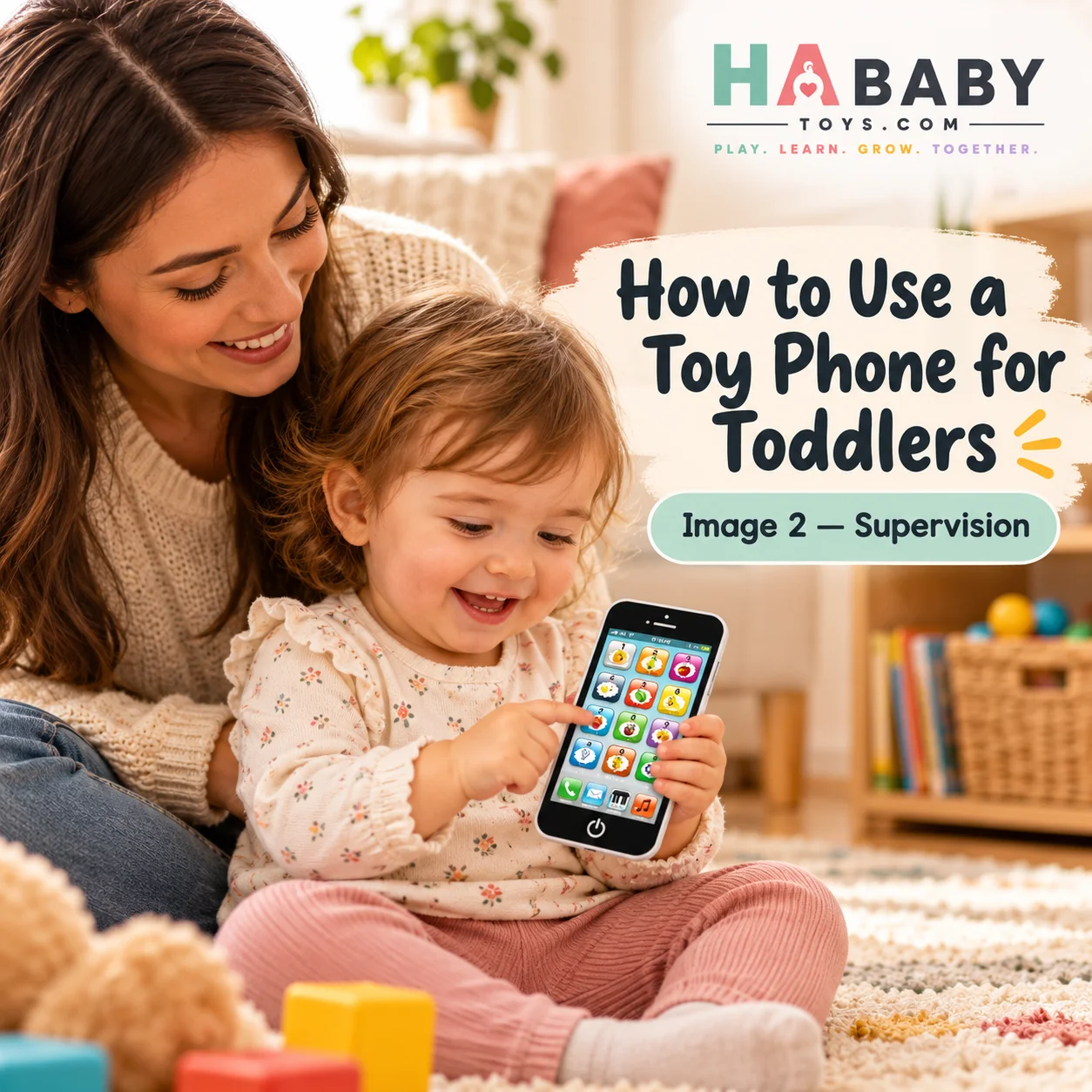
How Long Should a Play Session Be?
There is no single correct session length. Stop when the child loses interest, becomes frustrated, or begins using the toy roughly.
Short sessions may work better for some toddlers. The NHS baby development guidance and the Raising Children Network both note that children’s attention spans and play preferences vary widely at this age.
How to Use It Without Replacing Real Conversation
A toy phone works best as a prop for real interaction, not as a replacement for talking with caregivers.
For example, instead of:
“Here’s the phone — go play.”
Try:
“Call me and tell me what your teddy is doing.”
This creates richer play. The Harvard Center on the Developing Child describes these back-and-forth exchanges as “serve and return” interactions that build early brain architecture.
Screen-Free or Low-Screen Play
A simple toy phone can offer phone-themed pretend play without real apps, internet access, or social media.
Do not claim it eliminates screen interest completely. It is an alternative play object, not a screen-management solution. For broader screen-time guidance, the Common Sense Media organization and the American Academy of Pediatrics both publish useful family guidance.
Battery Safety
Because interactive toy phones may use batteries, parents should:
- Use only the specified batteries
- Secure the battery cover
- Keep loose batteries away from children
- Replace leaking batteries safely
- Do not let children access the compartment
- Follow the manufacturer’s instructions
For battery safety guidance, Safe Kids Worldwide and the U.S. Consumer Product Safety Commission both publish resources on button batteries and toy safety in general.
Sound and Volume Safety
Parents should check:
- Whether sound is comfortable
- Whether volume control exists
- Whether the child holds the speaker directly against the ear
- Whether sound becomes irritating after long use
Treat it as a toy speaker, not a real phone receiver that needs to be pressed tightly against the ear.
Cleaning the Toy Phone
- Turn it off
- Use a soft cloth
- Avoid soaking
- Keep water away from battery areas
- Dry fully before reuse
Do not assume dishwasher or washable status. Check the manufacturer’s care instructions for your specific toy phone.
How to Store It
- Switch it off
- Store dry
- Keep away from heavy toys
- Keep battery compartment secure
- Store where the child can access it only as appropriate for age
What If the Toy Stops Making Sound?
Possible checks:
- Is it switched on?
- Are batteries installed correctly?
- Are batteries low?
- Is the battery cover secure?
- Is the sound button damaged?
Do not advise opening the electronic body. If the sound does not return after these checks, contact the manufacturer or retailer.
What If a Button Stops Working?
Recommended:
- Turn the toy off
- Check visible debris
- Restart
- Check battery power
- Follow manufacturer instructions
If broken, stop use rather than forcing the button. Forced buttons can crack the plastic or damage the internal contact.
What If the Child Only Wants the Real Phone?
Use a realistic answer. Try:
- Let the child “call” you on the toy phone
- Create a pretend reason for the call
- Put the real phone away during the game
- Join the play for a few minutes
A toy phone may help redirect some imitation play, but it will not necessarily remove curiosity about real phones.
Common Mistakes Parents Make
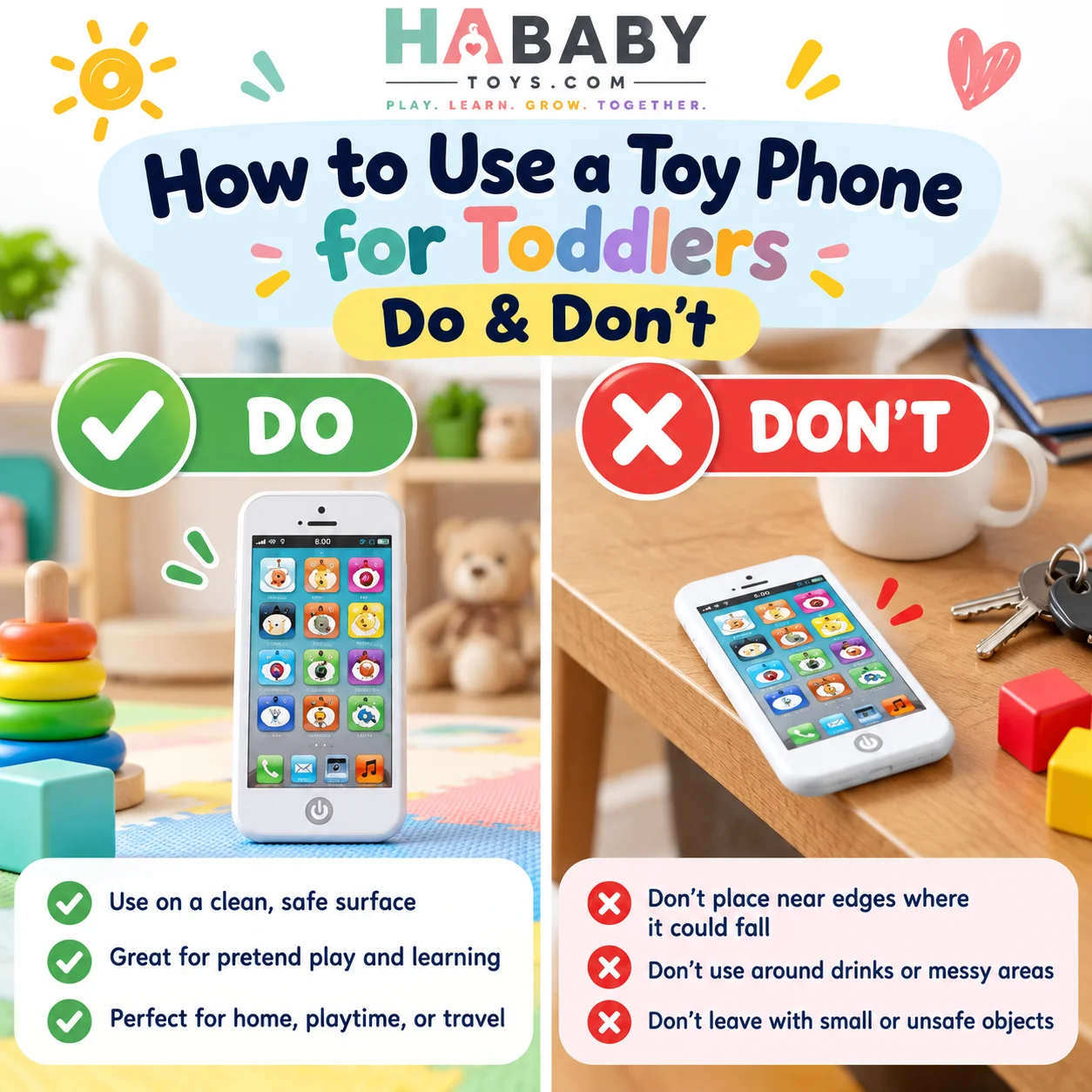
Don’t do this
- Giving every feature at once
- Using it only as passive entertainment
- Letting the child press it directly against the ear if very loud
- Leaving the battery compartment unchecked
- Assuming “educational” means automatic learning
- Expecting the toy to replace caregiver interaction
- Ignoring damaged parts
Do this instead
- Introduce one button at a time
- Model a short pretend call
- Keep the speaker away from the ear
- Check the battery cover before each use
- Use the toy as a conversation prompt
- Join the play for a few minutes
- Stop using damaged toys
60-Second Use-It-Well Checklist
- Toy is undamaged
- Battery cover is secure
- Start with one feature
- Model a pretend call
- Use simple words
- Take turns
- Add one small game
- Keep sound comfortable
- Turn off after play
- Store safely
If you want to compare options before buying, see why choose an interactive toy phone, or explore the HA Baby Toys Kids Toy Phone directly.
Ready for a pretend-play phone built for toddlers?
Explore the HA Baby Toys Shop →Frequently Asked Questions
How do you use a toy phone for toddlers?
Start with one button, model a short pretend call, let the child copy, then add simple games around greetings, numbers, sounds, family names, and turn-taking. The full process is covered above.
What should I show my toddler first?
Show one function only — a call button, a number, a sound, or a music button. Too many features at once can make play feel like random button pressing.
Can I use a toy phone for pretend calls?
Yes, and this is one of its strongest uses. Model “Ring ring! Hello?” then hand the toy to the child and ask who they are calling.
Can toddlers practice numbers with it?
If the toy includes number buttons, yes. Try finding number 1, pressing 2, counting to 3, and matching numbers to fingers. It provides casual number recognition opportunities, not a maths lesson.
Can it help with turn-taking?
Yes. A simple routine of parent calls, child answers, child calls, parent answers gives a natural turn-taking structure. The National Association for the Education of Young Children (NAEYC) highlights turn-taking as a core part of early group play.
How do I stop random button pressing?
Try turning the volume lower, giving one small challenge, modelling one action, pausing between presses, or turning the toy off briefly if play becomes overstimulating. The goal is not to stop exploration but to add a little structure.
Can siblings play with one toy phone?
Yes. One child calls, one answers, then they switch. Creating a pretend office, shop, or story call gives the toy more replay value for two children.
Can it be used during travel?
If compact enough, yes. It works as a car-seat activity, waiting-room toy, or hotel-room play. Keep the sound level appropriate in shared spaces and follow the manufacturer’s guidance for transport and battery use.
How loud should the toy be?
Keep the volume comfortable. Treat the toy as a speaker, not a real phone receiver, and check whether the model has volume control. Avoid holding the speaker directly against the ear.
Should children hold it against their ear?
No. If the sound is loud, holding it against the ear is uncomfortable and unnecessary. Keep it slightly away from the ear, as you would hold a small speaker.
Does a toy phone replace screen time?
Not entirely. A toy phone can offer phone-themed pretend play without apps or internet access, but it does not replace caregiver interaction. For broader guidance, see Common Sense Media and the American Academy of Pediatrics.
What should I do if the sound stops working?
Check that the toy is switched on, the batteries are installed correctly, the batteries are not low, the battery cover is secure, and the sound button is not damaged. Do not open the electronic body. If the sound does not return, contact the manufacturer or retailer.
How do I clean a toy phone?
Turn it off, wipe with a soft cloth, avoid soaking, keep water away from battery areas, and dry fully before reuse. Do not assume dishwasher or washable status.
What should parents check before play?
Check the battery cover, loose parts, cracked plastic, sharp edges, damaged buttons, unusual sound, and any detachable pieces. The U.S. Consumer Product Safety Commission publishes age labeling and recall information. The HA Baby Toys FAQ also answers common product and ordering questions.
Where can I buy the HA Baby Toys Kids Toy Phone?
Visit the HA Baby Toys shop to see the kids toy phone and other pretend-play toys. Families can also browse the 3+ Years category for related products. Retailers and larger buyers can request a quote from HA Baby Toys.
The Short Version for Busy Parents
Using a toy phone for toddlers is not complicated once you follow the five-step loop: press, listen, pretend, talk, take turns. The rest is consistency.
Start with one button. Model a simple pretend call. Use short phrases like “Hello!” and “Bye!” Take turns with your child. Add numbers, sounds, and music only when the basics feel natural. Keep the volume comfortable, check the battery cover, and turn the toy off when play is finished.
If your child presses everything randomly, add a little structure rather than stopping the exploration. If they lose interest, try a shorter session and come back tomorrow. That single habit turns a toy phone from a button box into a conversation starter.
For more family-friendly pretend-play toys and parent guides, HA Baby Toys offers products designed around everyday play. You can also browse the HA Baby Toys blog for more ideas on pretend play and screen-free activities.