
Description
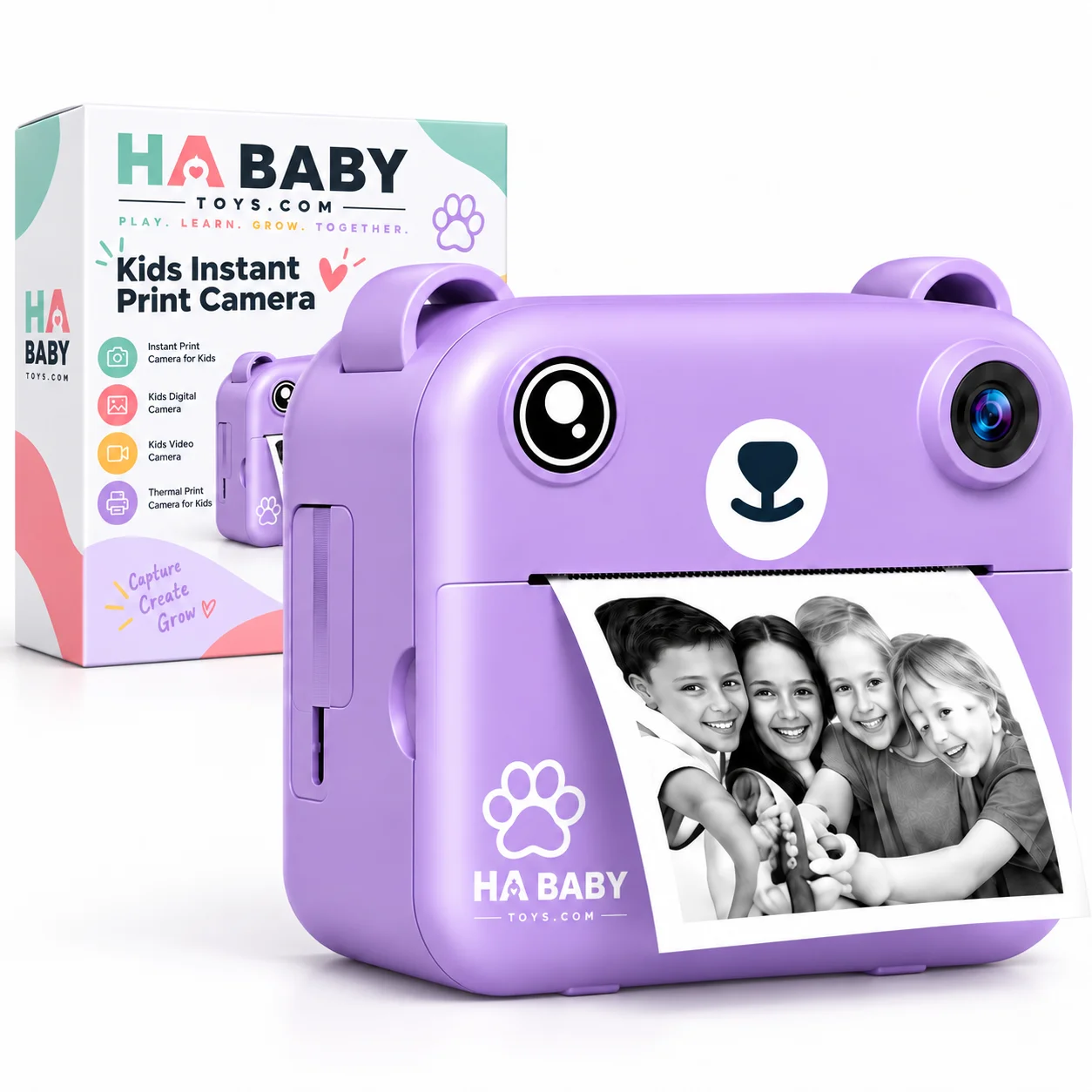
HA Baby Toys Kids Instant Print Camera with Printer
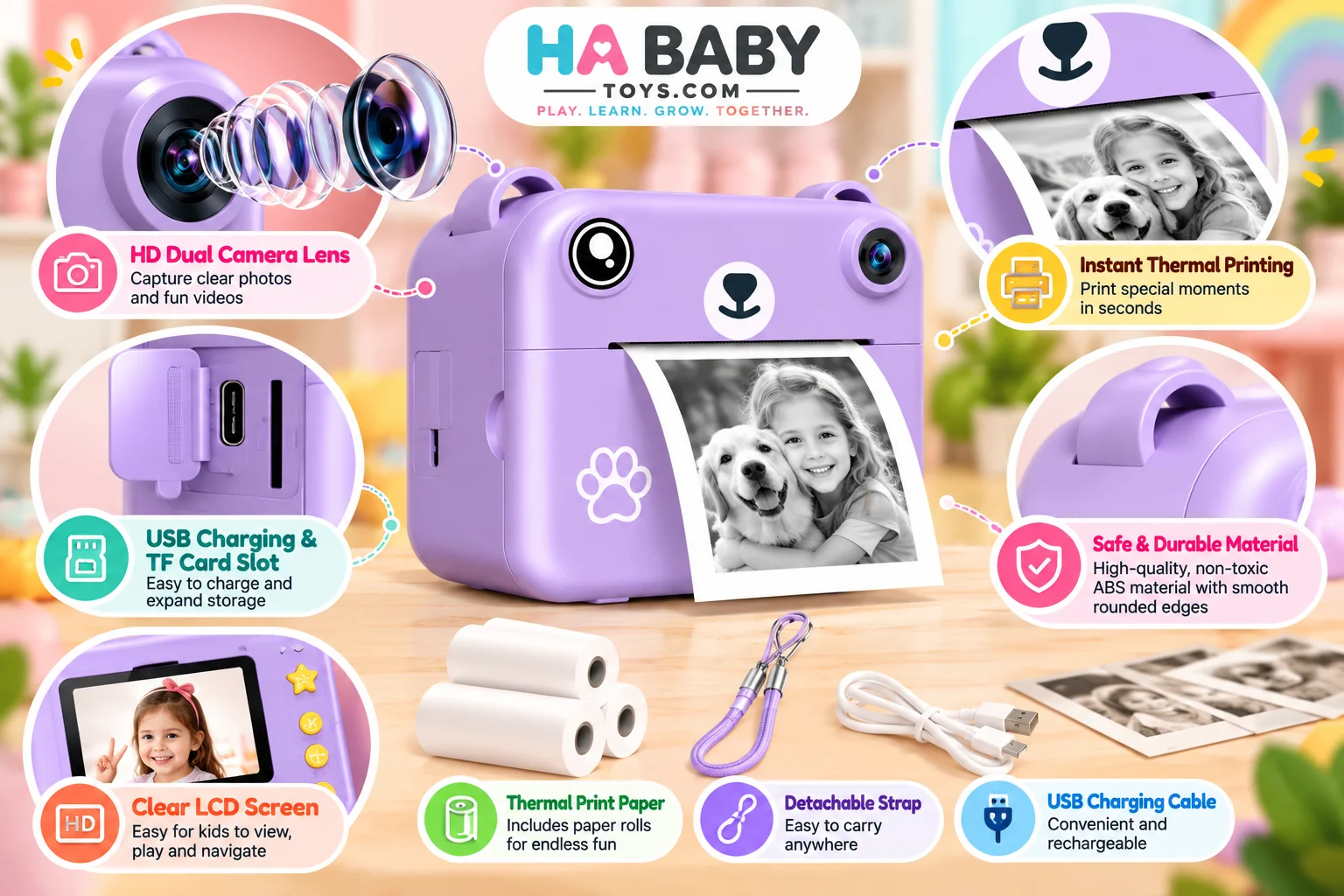
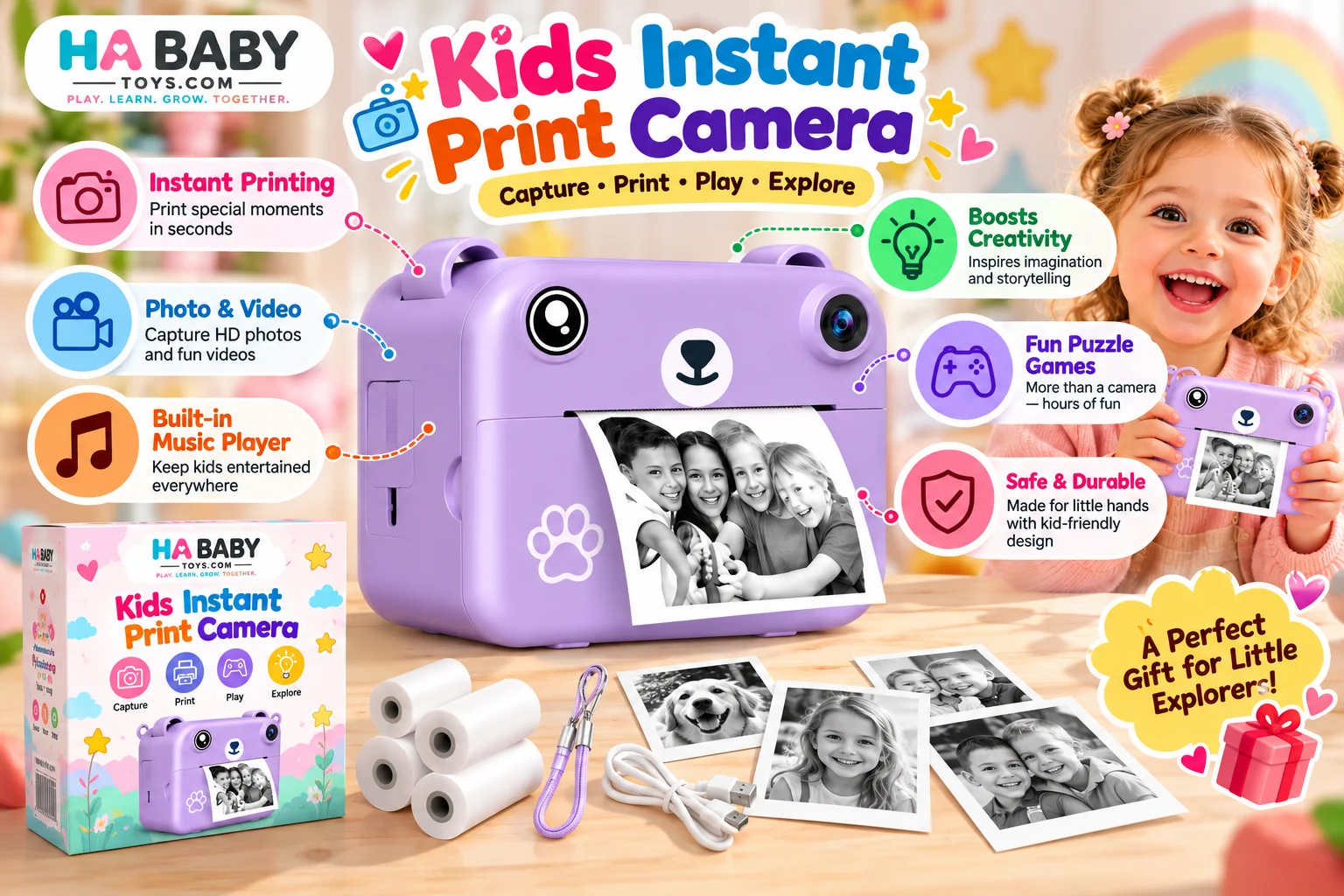
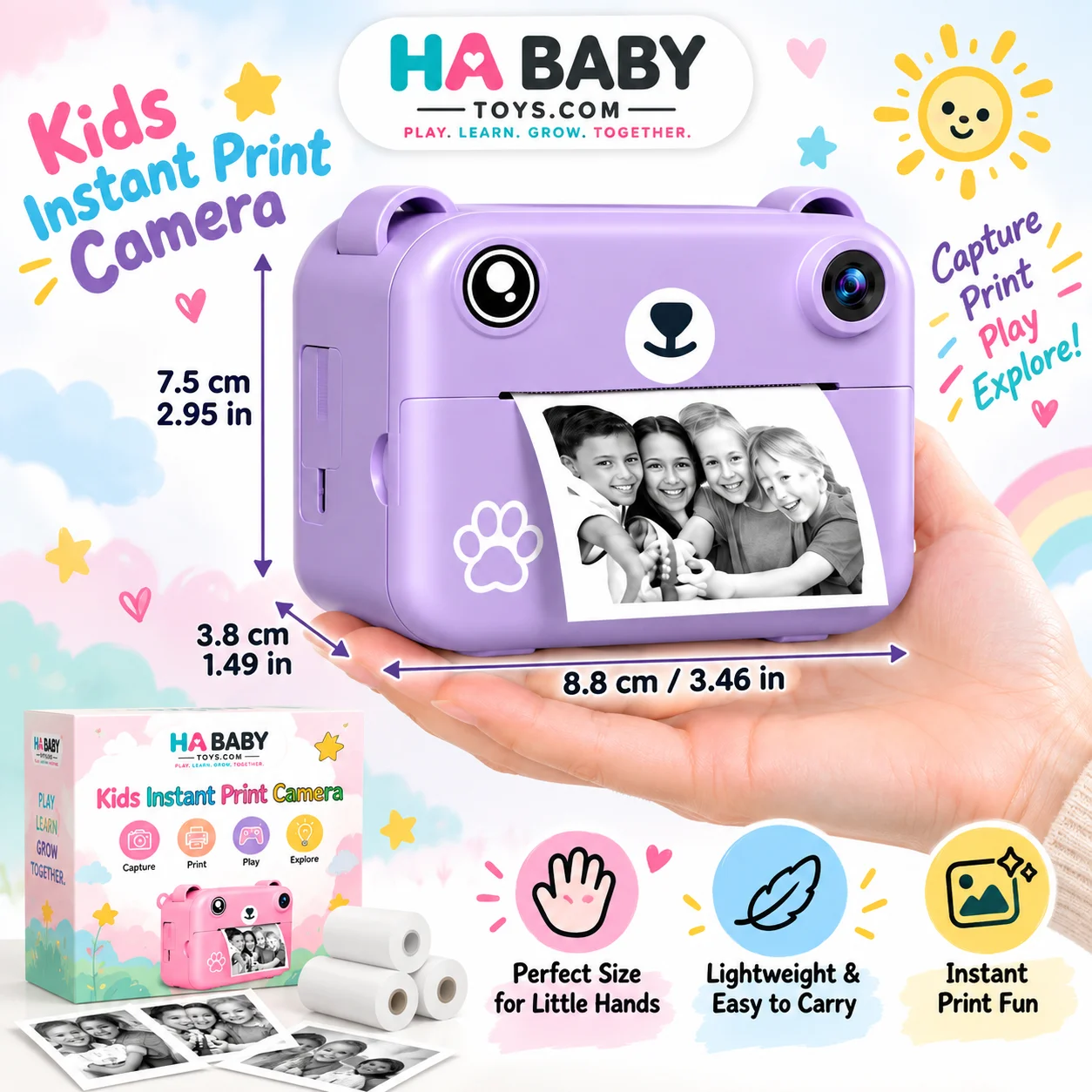
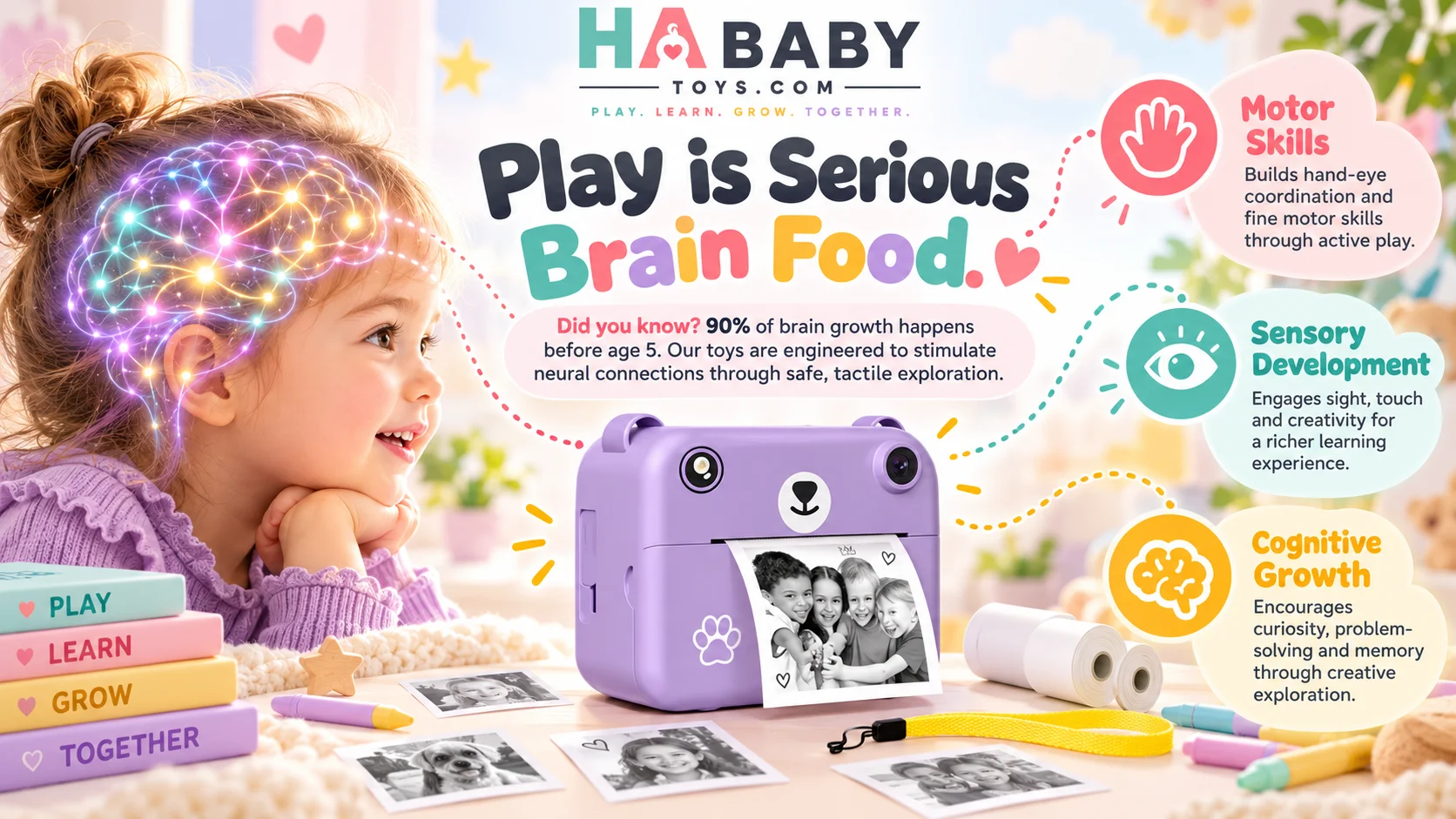
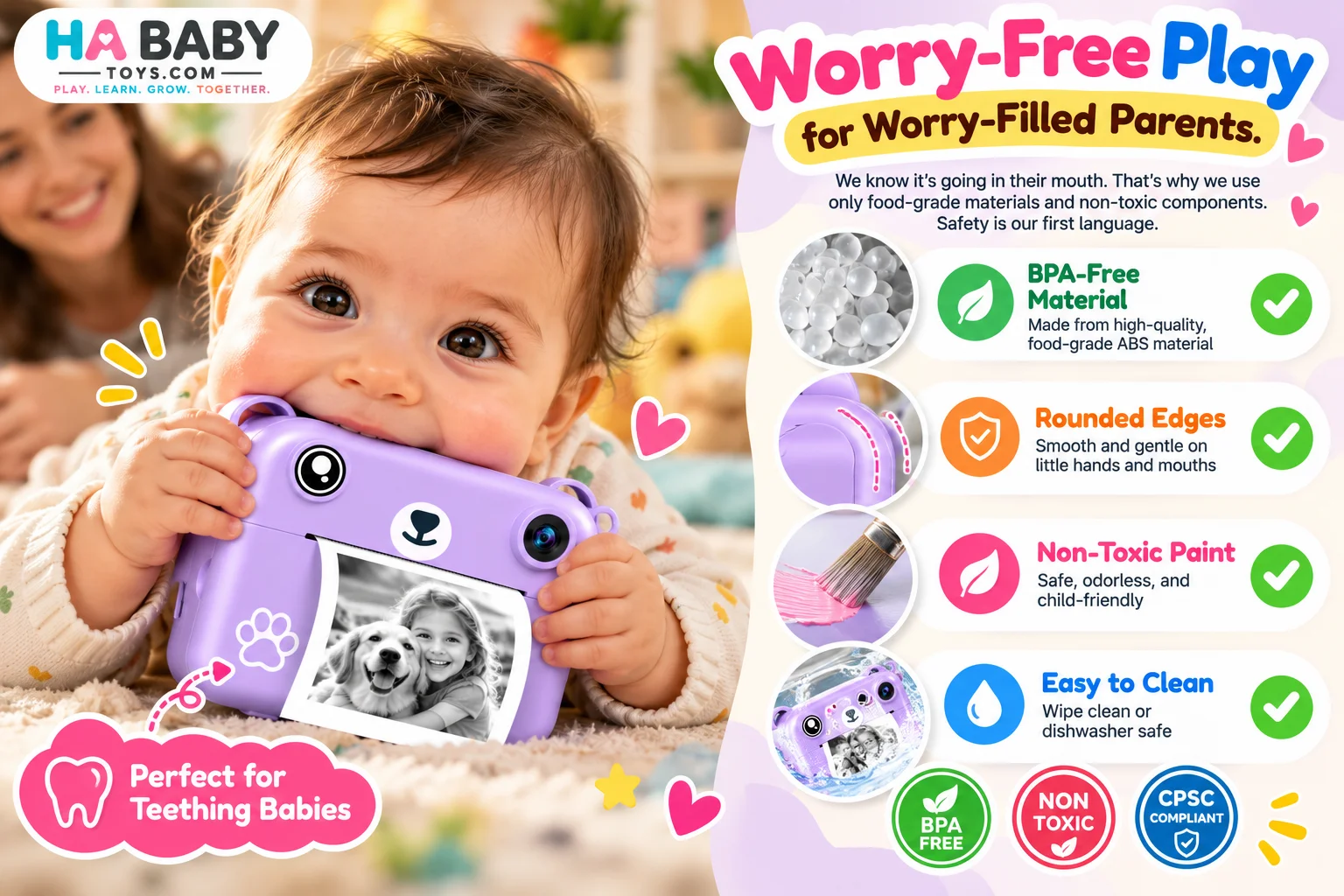
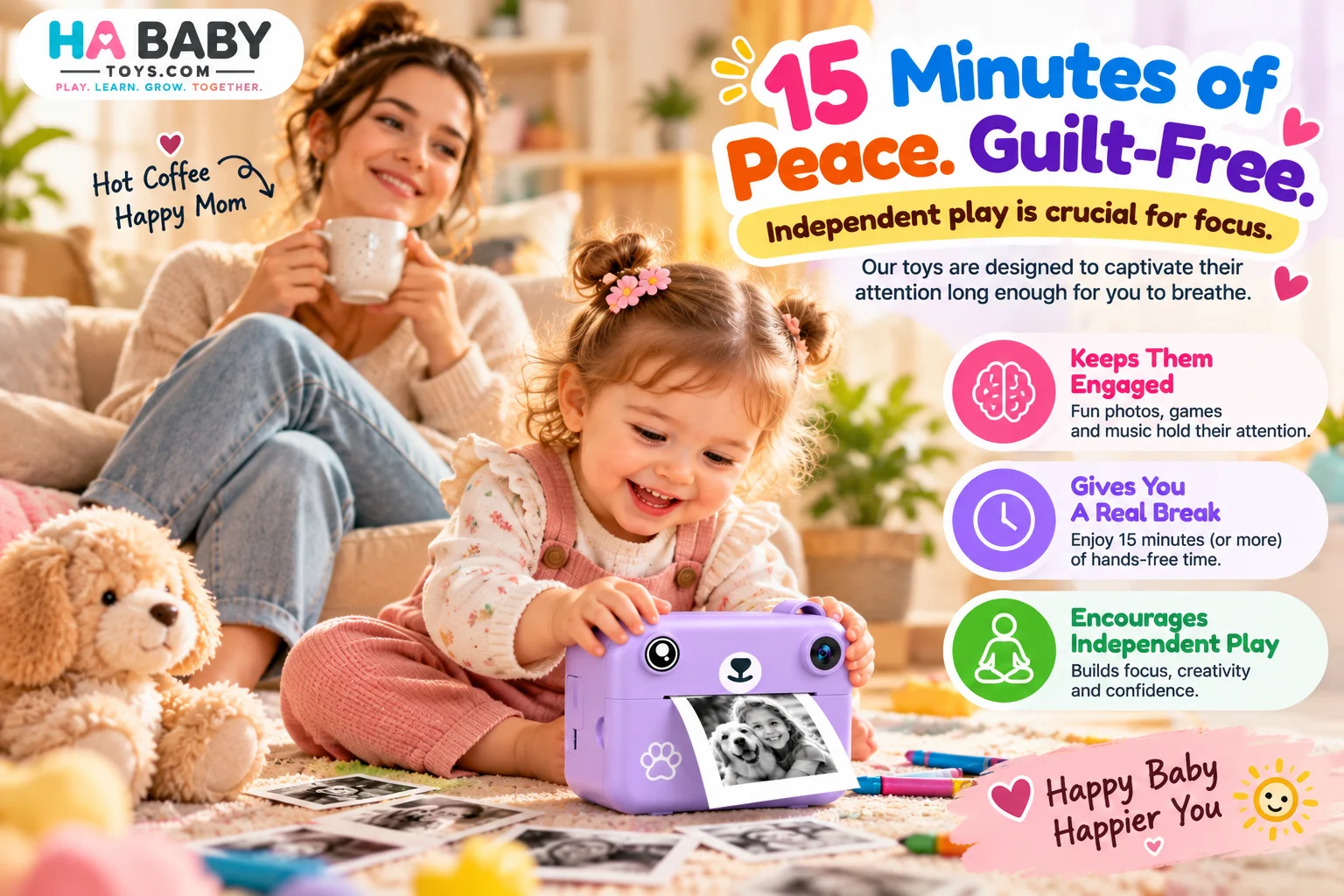
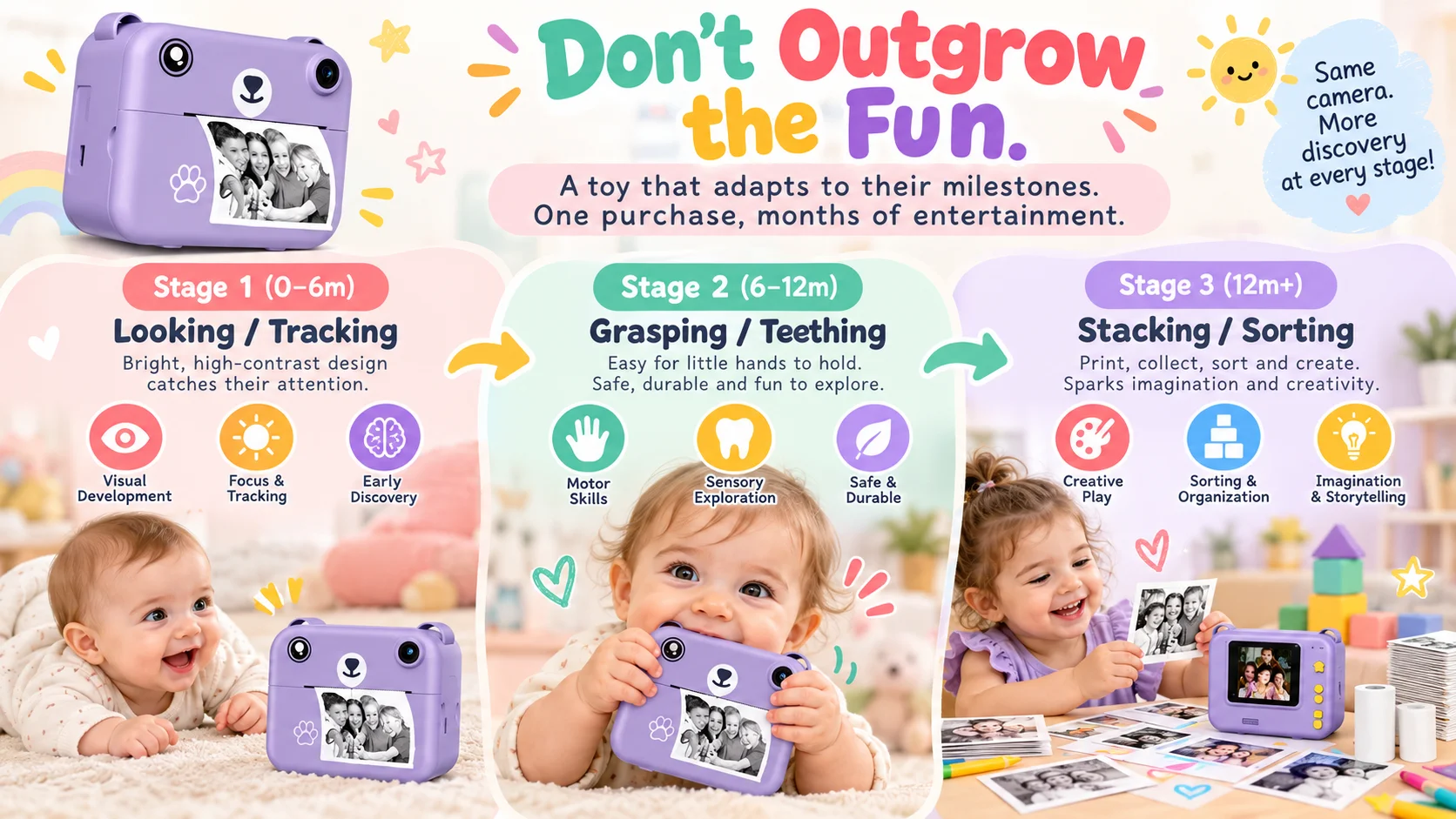
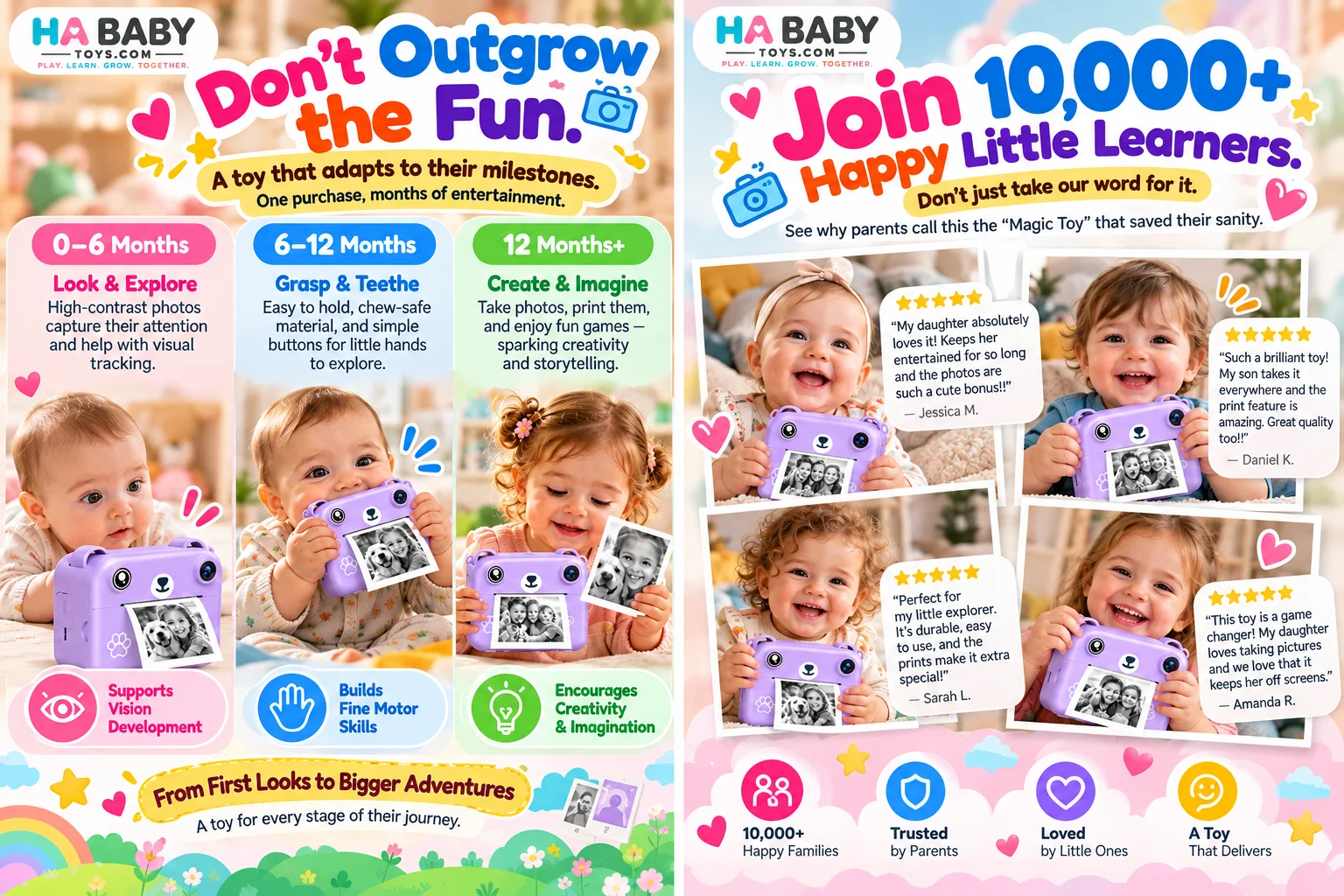
The HA Baby Toys Kids Instant Print Camera combines digital photography,
instant thermal printing and creative play in one child-friendly camera.
Kids can capture everyday moments, explore photography, print black-and-white pictures
and enjoy a hands-on activity designed to make taking photos more exciting.
HA Baby Toys Kids Instant Print Camera vs Other Kids Cameras
When choosing an instant print camera for kids,
parents may want to compare more than appearance alone.
Printing capability, ease of use, included accessories and the type of creative
activities supported can all affect the overall experience.
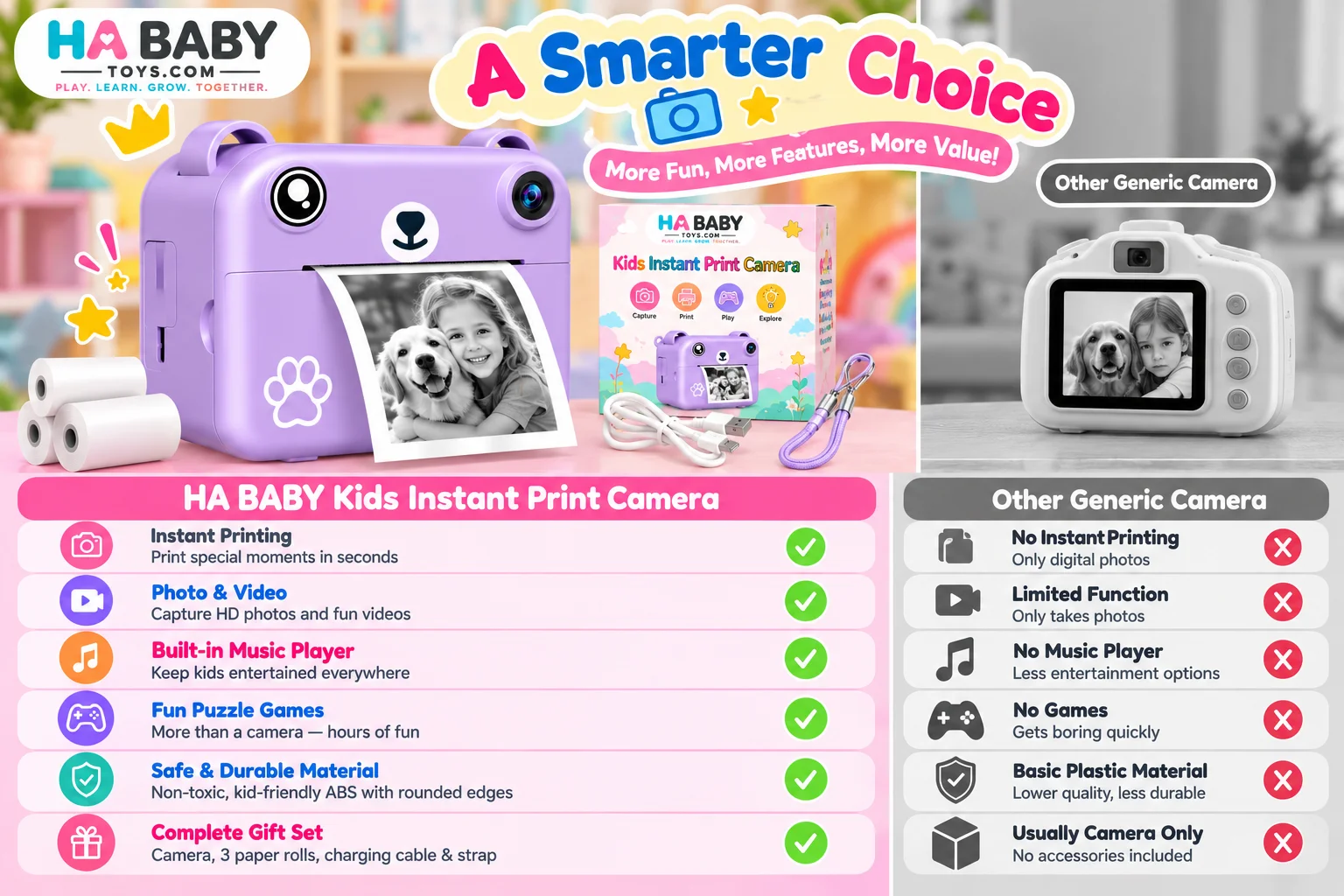
| Feature | HA Baby Toys Kids Instant Print Camera | Generic Kids Digital Camera | Basic Children’s Camera |
|---|---|---|---|
| Instant Printing | Thermal photo printing | Model dependent | Usually digital-only |
| Photography | Designed for child-friendly photo capture | Yes | Basic |
| Video Function | Available on supported model | Varies | May not be included |
| Creative Play | Take photos, print and create keepsakes | Mostly digital photography | Basic photo activity |
| Included Printing Paper | Included according to package configuration | Model dependent | Not applicable |
| Portability | Compact child-sized design | Varies | Varies |
Product Specifications
| Brand | HA Baby Toys |
|---|---|
| Product Type | Kids instant print digital camera |
| Printing Type | Thermal printing |
| Main Functions | Photo capture, instant printing and additional functions according to model |
| Camera Style | Compact child-friendly digital camera |
| Printing Output | Black-and-white thermal print |
| Charging | USB charging according to final production model |
| Storage | Memory card support according to final model specification |
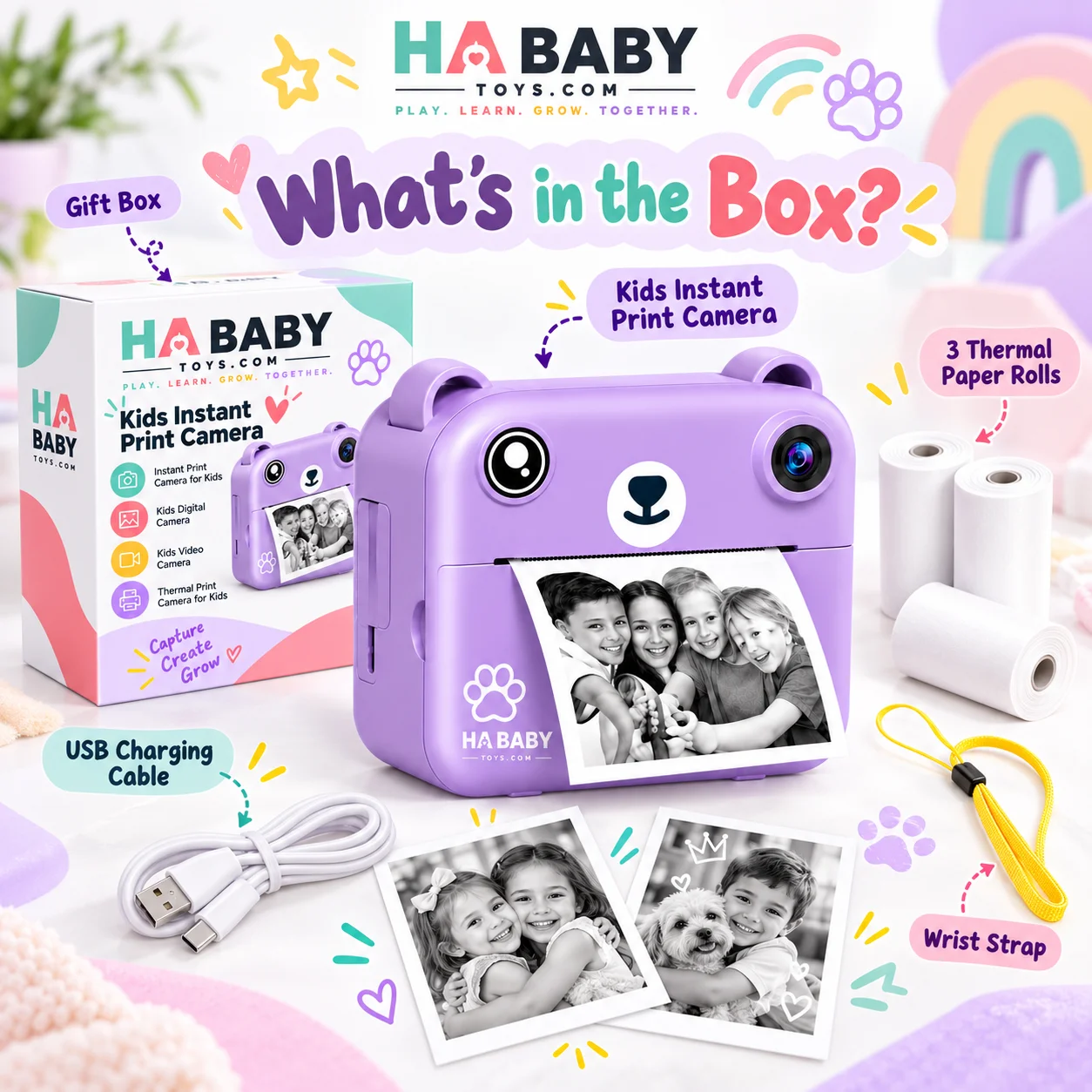
| Accessories | Camera, thermal paper rolls, charging cable, wrist strap and packaging as applicable |
| Suitable For | Children according to the age guidance shown on the final product packaging |
Important:
Exact dimensions, camera resolution, battery capacity, memory-card limits,
material specifications, age recommendation, certifications and included
accessories should match your final supplier documentation before publication.
Product Details
Instant Printing Makes Photography More Hands-On
The HA Baby Toys kids camera with printer lets children
move beyond simply viewing photos on a screen. After taking a picture,
they can print a physical black-and-white image using thermal paper,
turning everyday photography into a more interactive activity.
Designed for Young Photographers
A compact body and playful design make this
kids photography camera approachable for children.
The camera can be used for family moments, indoor activities,
playtime, holidays, trips and creative photo projects.
Photo and Video Exploration
Depending on the final model configuration, the
kids digital camera can support both photography
and video recording, giving children different ways to document
their surroundings and create their own visual stories.
Thermal Printing Without Ink Cartridges
The thermal print camera for kids uses compatible
thermal paper rather than traditional ink cartridges.
This gives children a quick way to produce printed images for
scrapbooks, crafts, journals and creative activities.
Encourages Creative Storytelling
Children can photograph pets, family members, toys, nature,
drawings and everyday adventures, then use the printed pictures
to create stories, cards, albums or simple craft projects.
A Fun Alternative to Passive Screen Time
Instead of only consuming digital content, children can use the
children’s digital camera to actively look for subjects,
compose pictures and create something tangible from their photos.
How to Use the HA Baby Toys Kids Instant Print Camera
Step 1: Charge the Camera
Fully charge the camera using the supplied charging cable before
first use. Follow the charging instructions supplied with the final model.
Step 2: Install the Thermal Paper
Open the paper compartment according to the product instructions,
insert the compatible thermal paper roll in the correct direction
and close the compartment securely.
Step 3: Turn the Camera On
Press and hold the power button until the camera starts.
Allow your child to become familiar with the screen and controls
under appropriate adult supervision.
Step 4: Take a Photo
Point the camera toward the subject, frame the image on the screen
and press the shutter button to capture a photograph.
Step 5: Print the Photo
Use the print function according to the camera interface.
The thermal image will feed through the printer slot.
Allow the paper to exit naturally rather than pulling it while printing.
Step 6: Explore Creative Activities
Children can use printed photos for journals, crafts, photo albums,
storytelling games, treasure hunts or family memory projects.
Step 7: Store the Camera Properly
After use, switch the camera off and store it with its accessories
in a clean, dry location. Keep thermal paper away from excessive
heat, moisture and direct sunlight.
For a more detailed walkthrough, read:
How to Use an Instant Print Camera for Kids
.
Kids Instant Print Camera for Creative Everyday Play
The HA Baby Toys kids instant print camera brings
photography and printing together in one playful device.
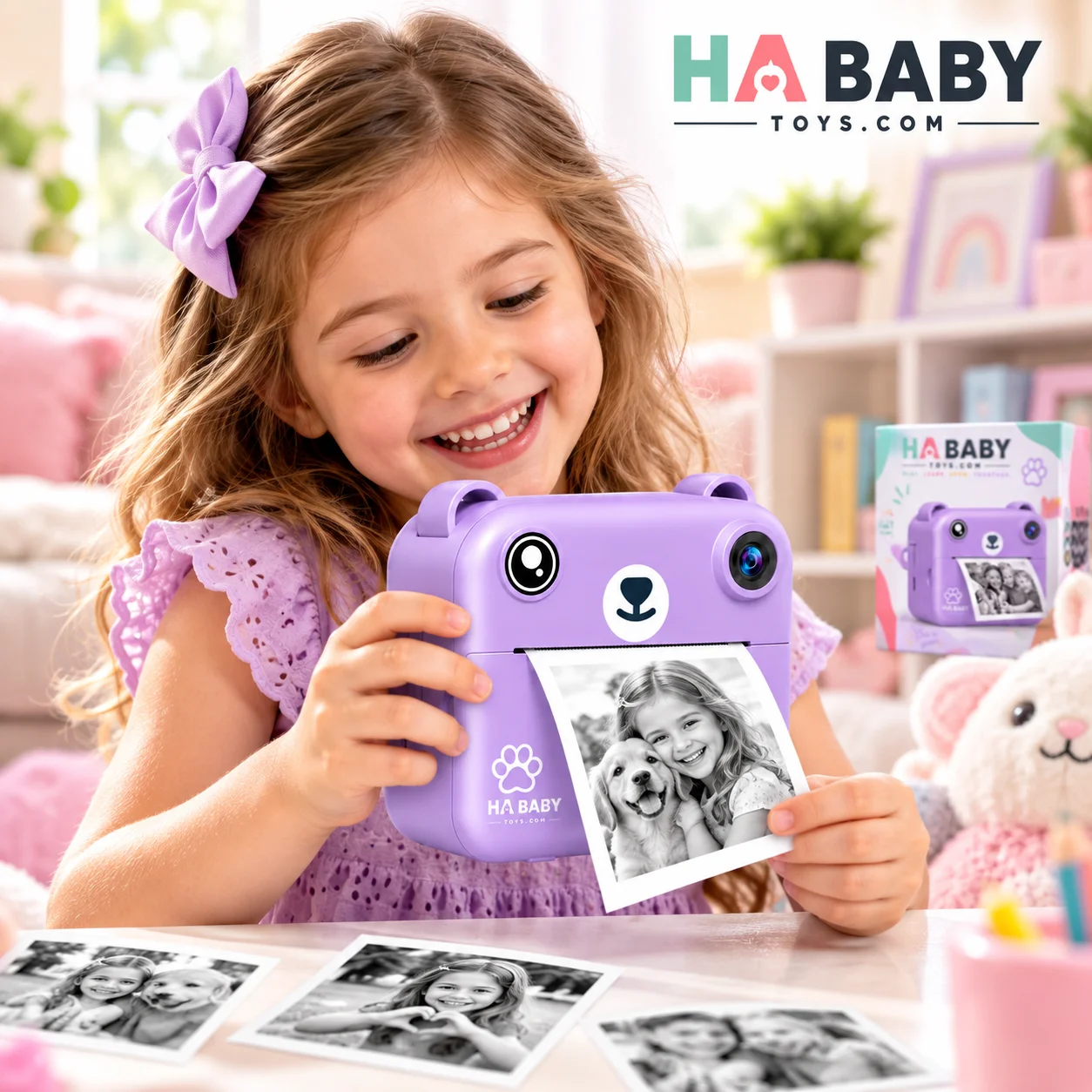
Children can photograph everyday moments and turn selected images
into physical thermal prints within moments.
For parents comparing an
instant print camera for kids with a standard digital
camera, the printing feature creates an additional hands-on activity.
Children can hold their pictures, decorate them, share them with family
or add them to craft projects.
The product can also be used as a
kids photo printer camera for creative activities.
Printed photographs can become part of journals, scrapbooks,
classroom-style projects, birthday memories or simple storytelling games.
If your child enjoys creating pictures and documenting everyday adventures,
a kids photography camera gives them a dedicated device
for experimenting with framing, subjects and visual storytelling.
Depending on your production model, additional functionality may include
video recording, making it useful as a kids video camera
as well as a photography and printing device.
Learn more about this type of product in our guide:
What Is a Kids Instant Print Camera? A Simple Guide for Parents
.
You can also explore why parents may choose a camera with an integrated printer:
Why Choose a Kids Camera with Printer for Creative Play?
.
Creative Ways Kids Can Use Their Instant Print Camera
Create a Family Photo Journal
Children can photograph family members, pets and everyday moments,
then place the printed photos into a simple journal.
Make a Nature Photo Collection
During walks or outdoor play, children can photograph flowers,
leaves, trees and other interesting objects, then organize the
printed images later.
Create Homemade Cards
Printed photographs can be used to decorate birthday cards,
thank-you notes and family gifts.
Build a Photo Story
Encourage children to take several pictures and arrange them in
sequence to create their own simple story.
Capture Everyday Adventures
The compact camera can be used during family outings, holidays,
playdates or indoor activities to document memorable moments.
Learn More About Kids Instant Print Cameras
What Is a Kids Instant Print Camera?
Learn how instant print cameras work and why they can make
photography more interactive for children.
How to Use an Instant Print Camera for Kids
Follow a simple guide for loading paper, taking pictures,
printing photos and creating fun photo activities.
Why Choose a Kids Camera with Printer?
Explore how instant printing can add another creative
dimension to children’s photography.
Frequently Asked Questions
What is a kids instant print camera?
It is a child-oriented digital camera that can capture photographs
and produce physical images using an integrated printing system.
How does a thermal print camera for kids work?
Thermal printing uses compatible heat-sensitive paper to create
black-and-white images without traditional ink cartridges.
Does the camera require ink?
A thermal-print model normally uses thermal paper rather than ink.
Always confirm the printing system specified for your final product model.
Can children record videos?
Video capability depends on the final camera model and firmware.
Confirm this feature against the supplier specification before publication.
Can the printed photos be used for crafts?
Yes. Children can use their printed photographs in albums,
journals, cards, storytelling projects and other creative activities.
What type of paper does the camera use?
Use the compatible thermal paper size specified by the manufacturer.
Using the wrong paper type or dimensions may affect printing performance.
How should the camera be cleaned?
Turn the camera off and follow the manufacturer-approved cleaning
instructions. Avoid immersing electronic devices in water or using
inappropriate cleaning liquids.
Where can I find more product information?
Visit the
HA Baby Toys FAQ page
for more information about products and ordering.
Discover More From HA Baby Toys
Visit
HA Baby Toys
to explore playful products created for children’s everyday
activities, creativity and discovery.
Browse more products in the
HA Baby Toys online shop
,
discover parenting and toy guides on the
HA Baby Toys blog
,
or find answers to common questions on our
FAQ page
.
If you are researching children’s cameras, begin with our guide to
what a kids instant print camera is
,
continue with our
instant print camera user guide
,
and then explore
why a kids camera with printer can support creative play
.
Digital Camera and Toy Safety Guidance
Children should use electronic toys according to the manufacturer’s
age guidance and instructions. Parents should regularly inspect the
device, charging cable, wrist strap and accessories for damage.
For general consumer product and toy safety information, parents can visit the
U.S. Consumer Product Safety Commission Toy Safety Center
.
Interested in the HA Baby Toys Kids Instant Print Camera?
Explore more HA Baby Toys products, read our children’s camera guides
or contact us for wholesale, bulk-order and product enquiry information.
Reviews
There are no reviews yet.