
Description
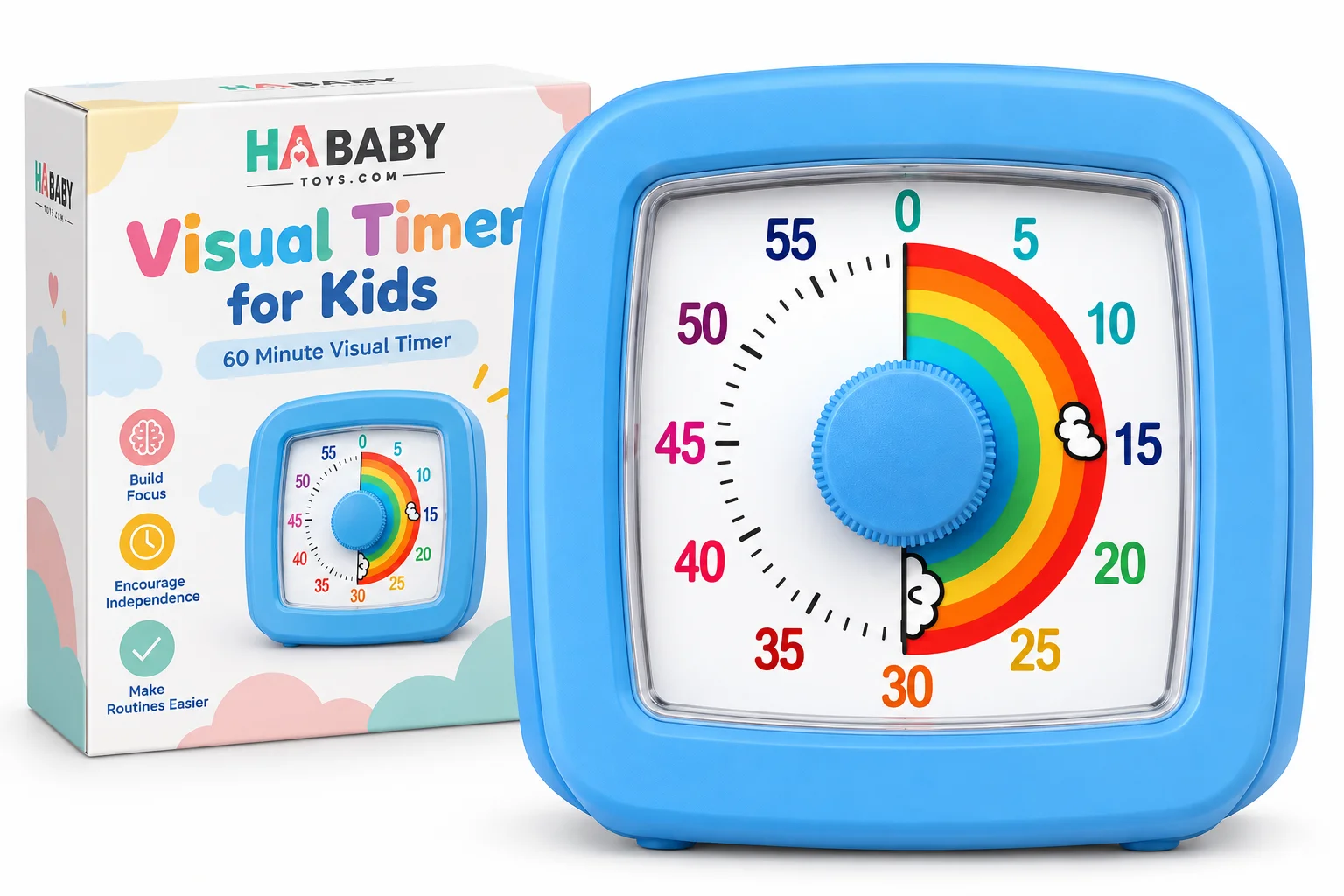
HA Baby Toys Visual Timer for Kids – 60-Minute Rainbow Countdown

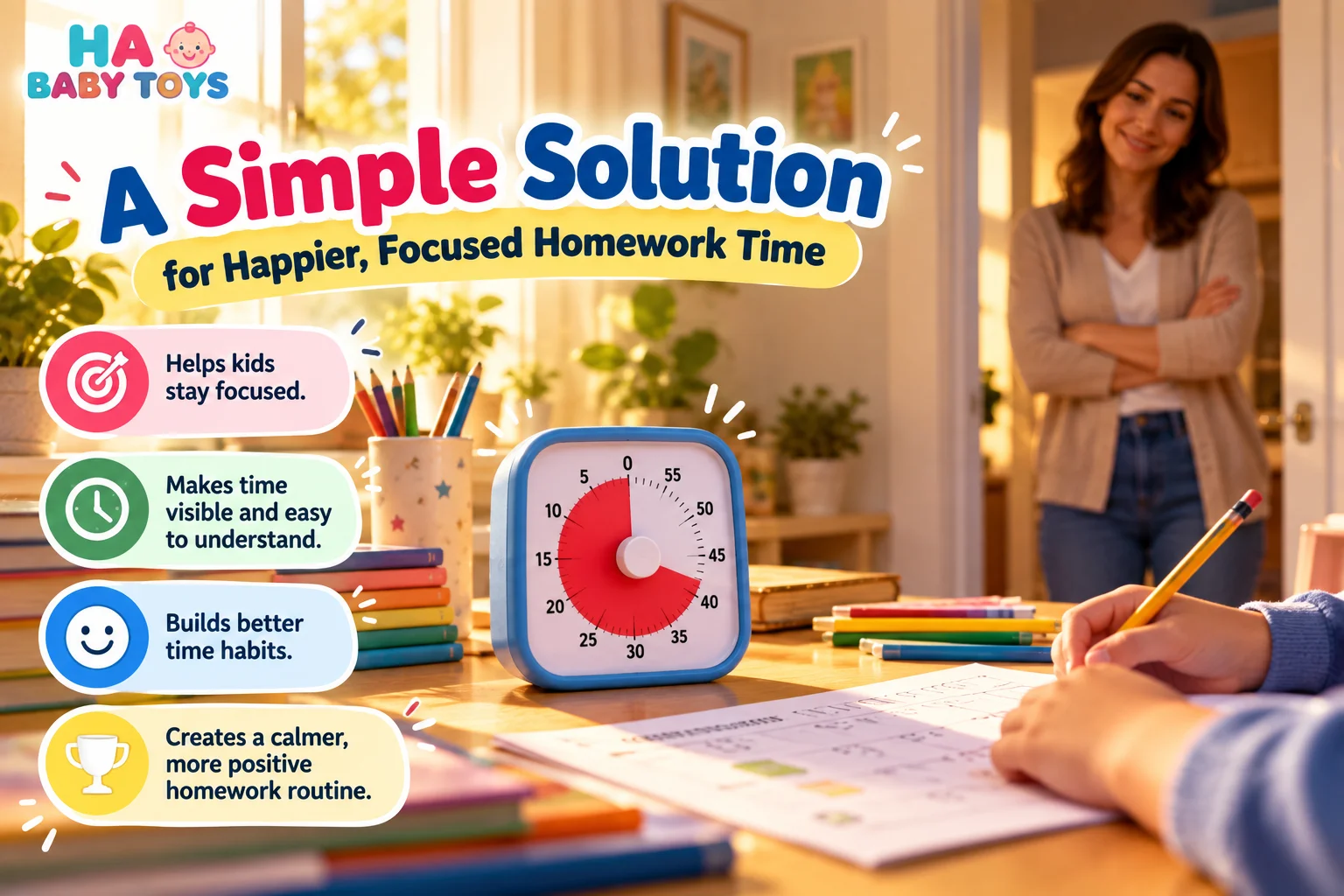
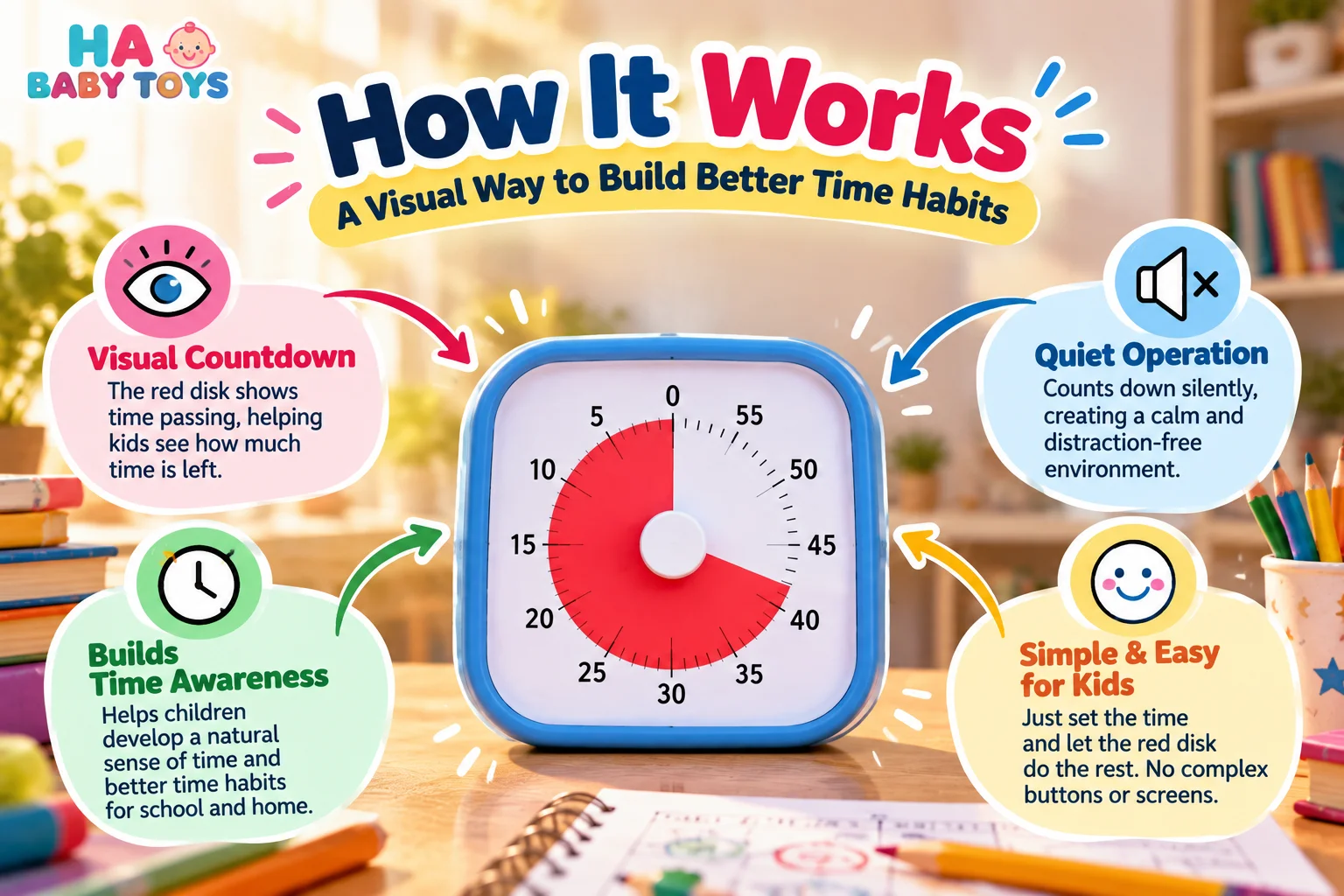


Make time easier to understand with the
HA Baby Toys Visual Timer for Kids.
The colorful 60-minute countdown dial gives children a simple visual
reference for homework, reading, classroom activities, playtime,
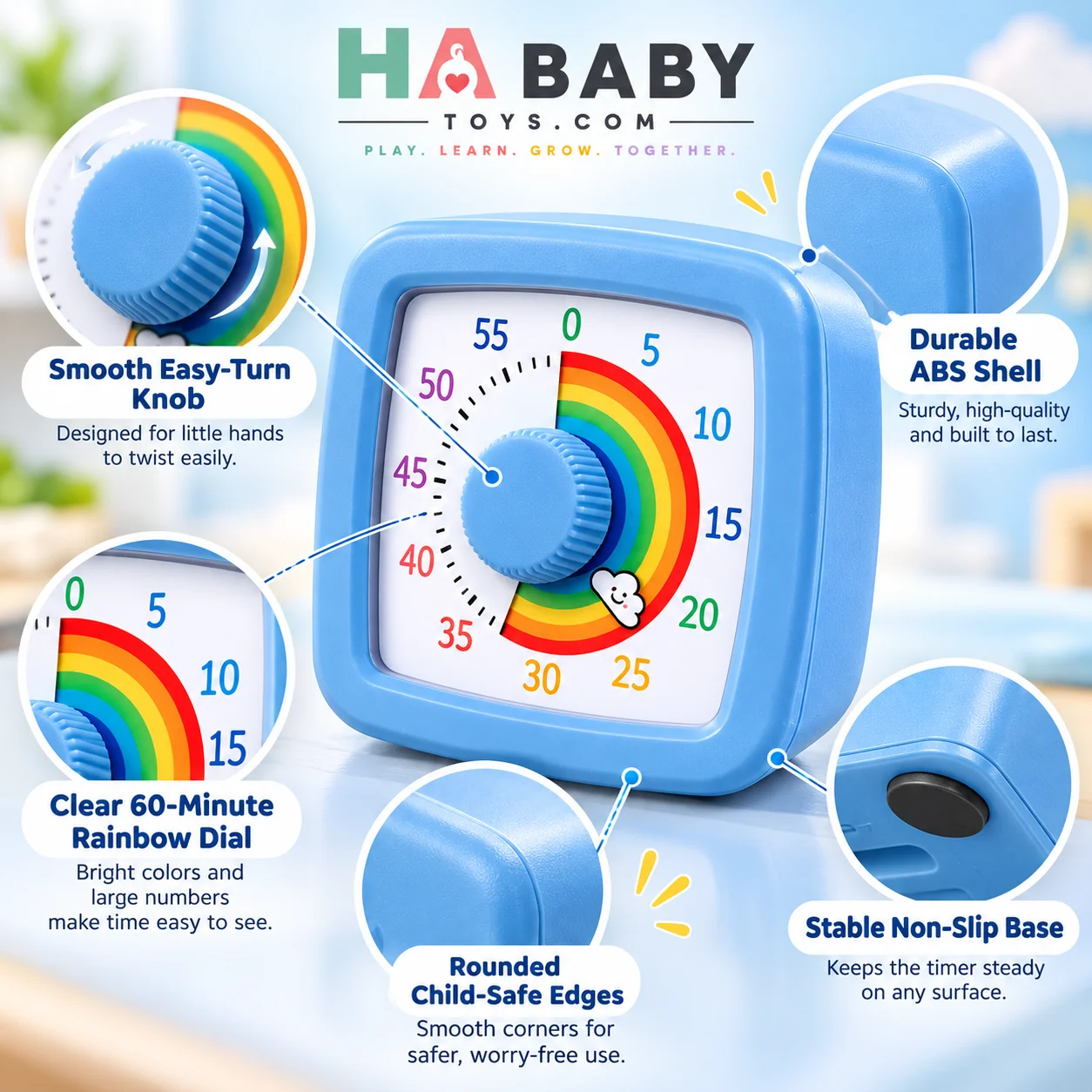
cleanup and everyday routines. Its large knob, clear minute markings
and rainbow-style countdown make it easy to see how much time remains
without relying on another digital screen.
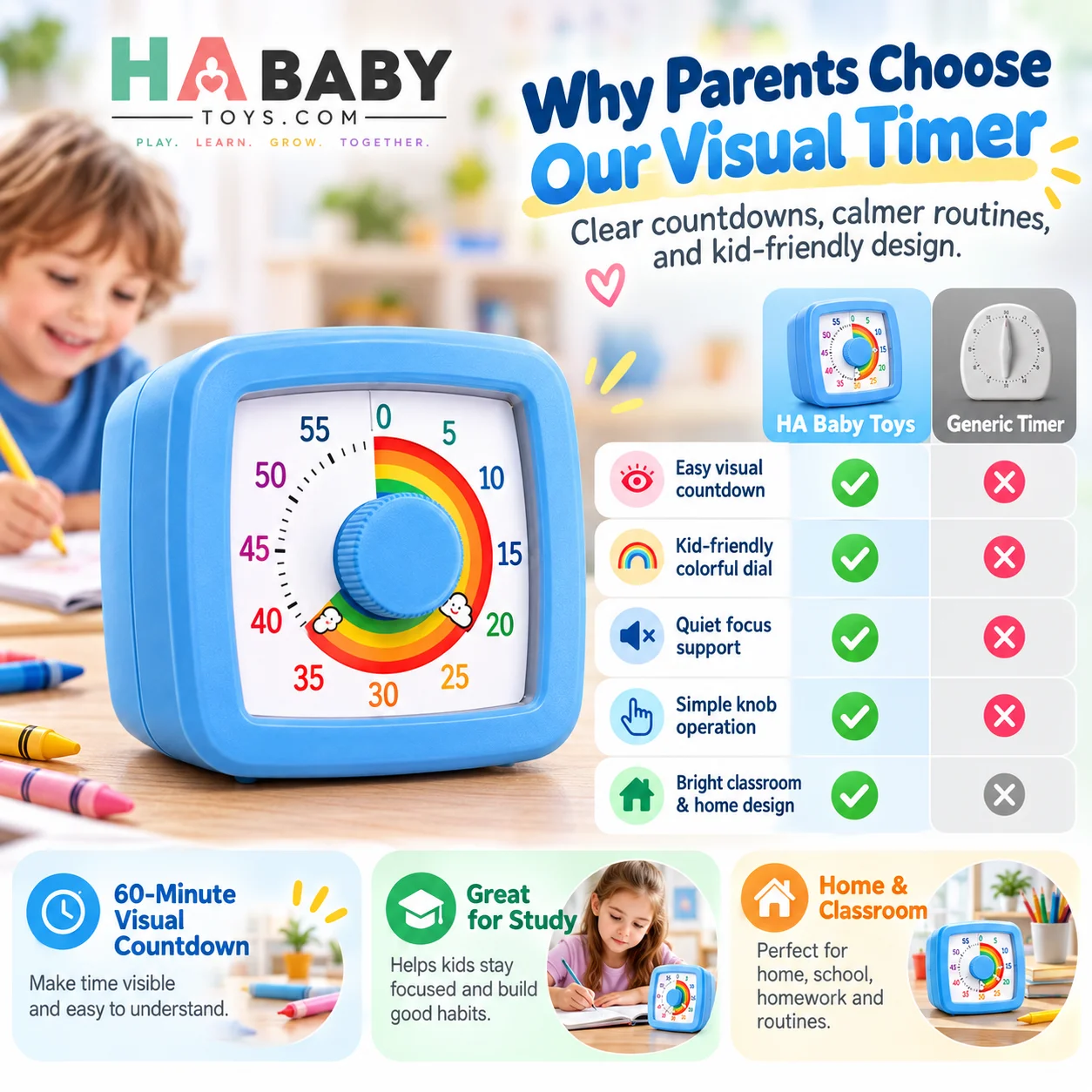
Visual Timer Comparison
Different timer styles can suit different activities. The table below
compares the HA Baby Toys visual timer for kids with
common timer categories so parents and teachers can quickly understand
how each type differs.
| Feature | HA Baby Toys Visual Timer | Generic Mechanical Timer | Basic Digital Timer |
|---|---|---|---|
| Countdown Range | Up to 60 minutes | Varies by model | Usually programmable |
| Visual Countdown | Large rainbow-style visual display | Model dependent | Primarily numerical |
| Screen Required | No | No | Digital display |
| Control Style | Large rotary knob | Mechanical dial | Push buttons |
| Child-Friendly Design | Colorful rainbow dial and large numbers | Varies | Usually functional styling |
| Typical Uses | Homework, study, play, routines and transitions | General timing | General timing |
Product Specifications
| Brand | HA Baby Toys |
|---|---|
| Product Type | Visual countdown timer |
| Countdown Range | 0–60 minutes |
| Display | Analog visual countdown dial |
| Dial Style | Rainbow countdown with minute markings |
| Main Control | Large rotary adjustment knob |
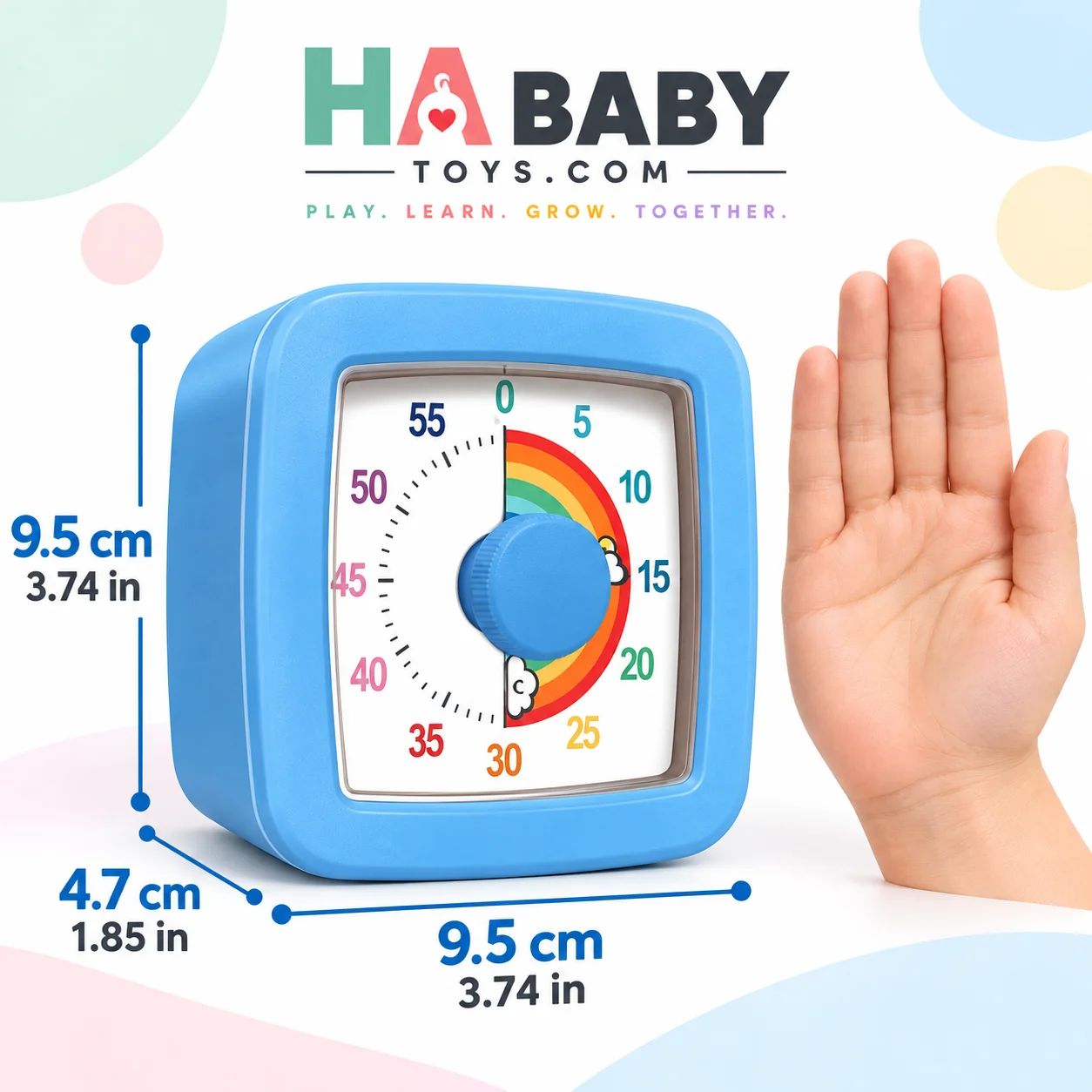
| Approximate Width | 9.5 cm / 3.74 in |
| Approximate Height | 9.5 cm / 3.74 in |
| Approximate Depth | 4.7 cm / 1.85 in |
| Power | 1 × AA battery |
| Battery Included | No |
| Color Options | Blue, pink, white and orange |
| Suggested Use | Home, classroom, homework, study, routines and work sessions |
Measurements are approximate. Confirm final dimensions, material,
battery requirements and packaging details against the final production
model before publishing.
Product Details
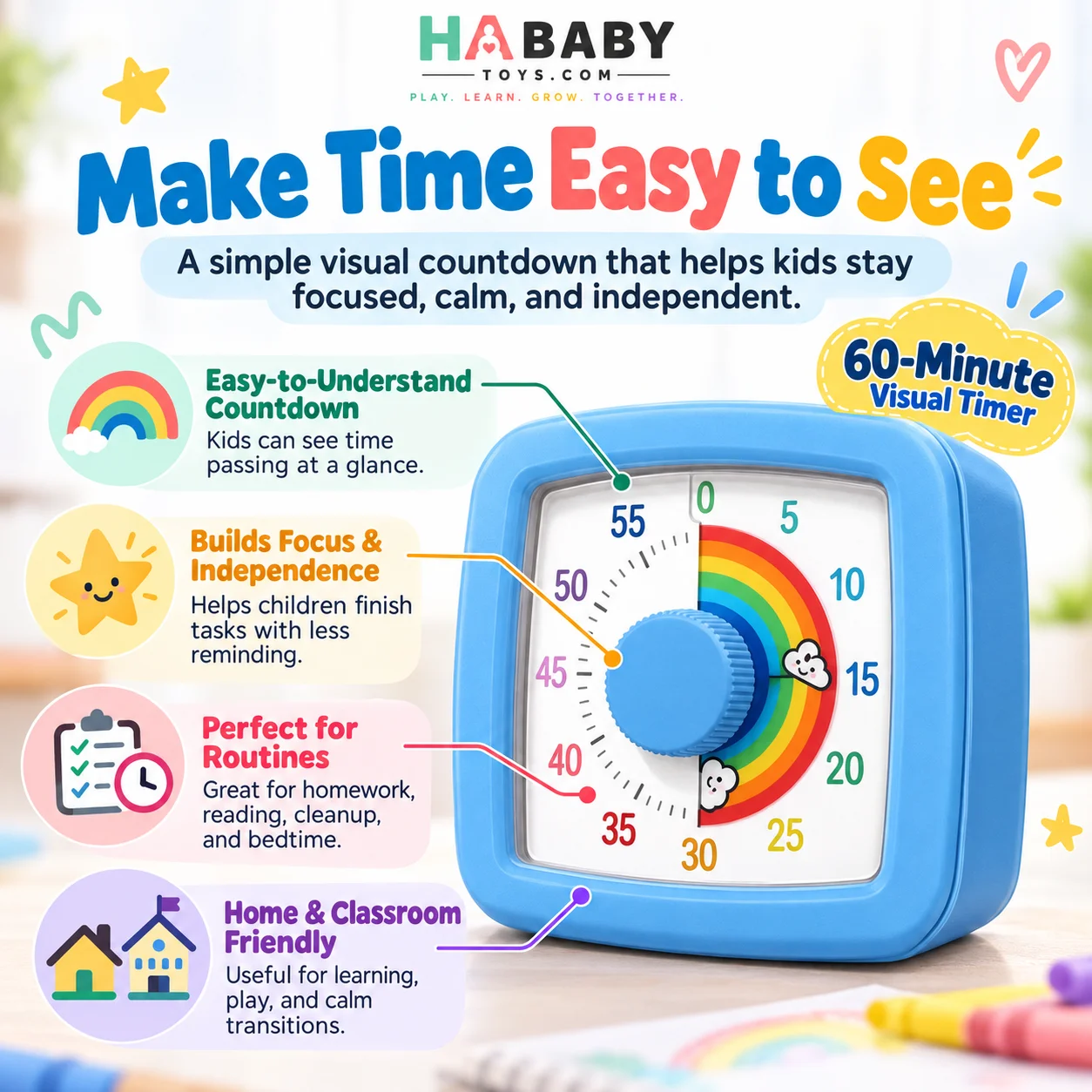
60-Minute Visual Countdown
The full-hour dial makes this 60 minute visual timer
suitable for short activities as well as longer study or routine
periods. Set the desired time and use the changing visual display as
an easy reference for how much time remains.
Colorful Rainbow Time Display
The rainbow-style visual area creates a clear difference between
remaining time and elapsed time. Children can glance at the
visual countdown timer without needing to interpret
a digital display.
Large Easy-Turn Knob
The central rotary knob provides a simple way to select the desired
countdown period. Its large shape is easy to identify and keeps the
interface straightforward.
Designed for Everyday Routines
Use the kids visual timer for homework, reading,
playtime, creative projects, cleanup, getting ready or other activities
where a visible countdown can help make the routine clearer.
Useful at Home and School
The compact tabletop design can be placed on a study desk, classroom
table, kitchen counter or activity station, making it useful across
different environments.
Multiple Color Choices
The timer is available in blue, pink, white and orange variations,
giving families and classrooms several styling options.
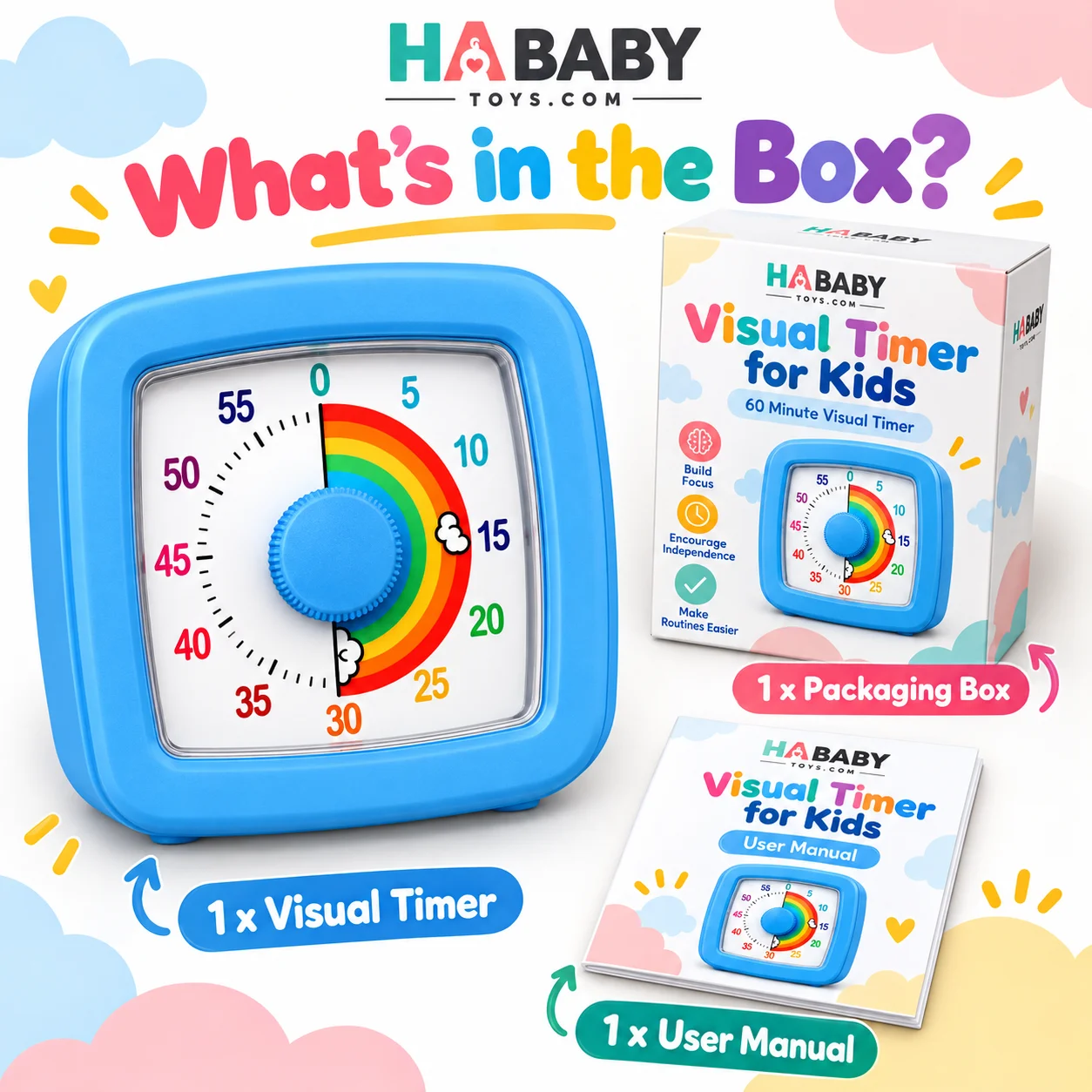
What’s Included
- 1 × HA Baby Toys 60-minute visual timer
- 1 × User manual
- 1 × Retail packaging box
Battery note: One AA battery is required and is not included.
How to Use the Kids Visual Countdown Timer
Step 1: Install the Battery
Open the rear battery compartment and install one compatible AA
battery according to the polarity markings. Close the battery
compartment securely before use.
Step 2: Place the Timer on a Stable Surface
Position the timer upright on a flat, dry and stable surface where
the dial can be easily seen. Avoid placing it close to the edge of a
desk or on soft and unstable surfaces.
Step 3: Choose the Activity
Decide what the countdown represents. For example, you might use
10 minutes for cleanup, 15 minutes for reading or 30 minutes for a
homework session.
Step 4: Set the Countdown
Rotate the central knob to the desired minute position. Use the
numbered markings around the dial to select the countdown duration.
Step 5: Explain the Routine
Tell the child what the timer represents and what will happen when
the countdown reaches the end. Simple and predictable expectations
can make the timer easier to understand.
Step 6: Keep the Timer Visible
Place the countdown timer for kids where it remains
visible during the activity. This lets children check the remaining
time without repeatedly asking how much time is left.
Step 7: Reset for the Next Activity
After the activity ends, adjust the timer again when you are ready
to begin another timed task.
For more instructions, read our
How to Use a Kids Visual Countdown Timer guide
.
Visual Timer for Kids for Homework, Study and Daily Routines
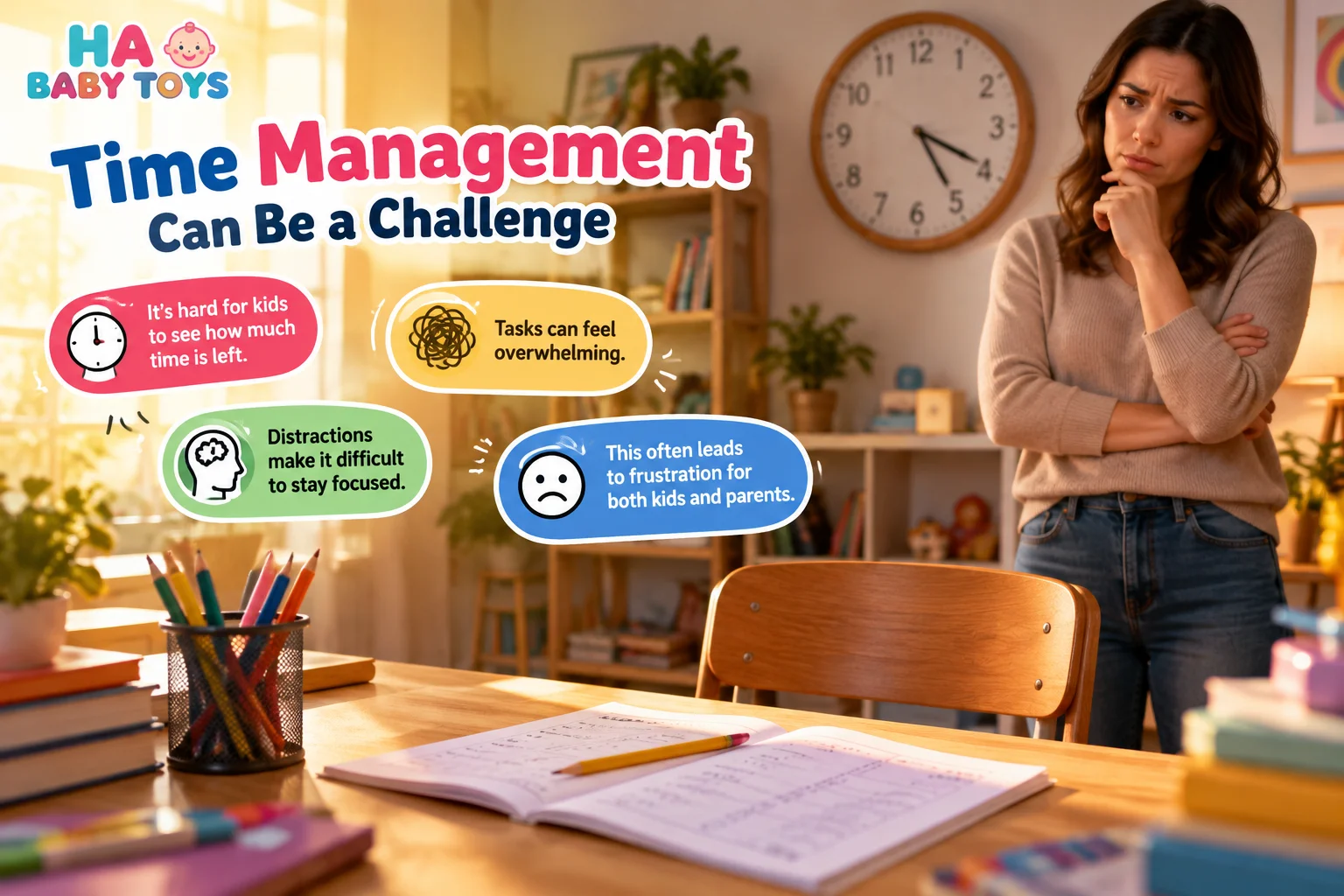
Time can feel abstract to children. A statement such as “ten minutes
left” may not provide the same information as actually seeing how
much of a countdown remains. The
HA Baby Toys visual timer for kids turns a
60-minute period into an easy-to-see visual reference.
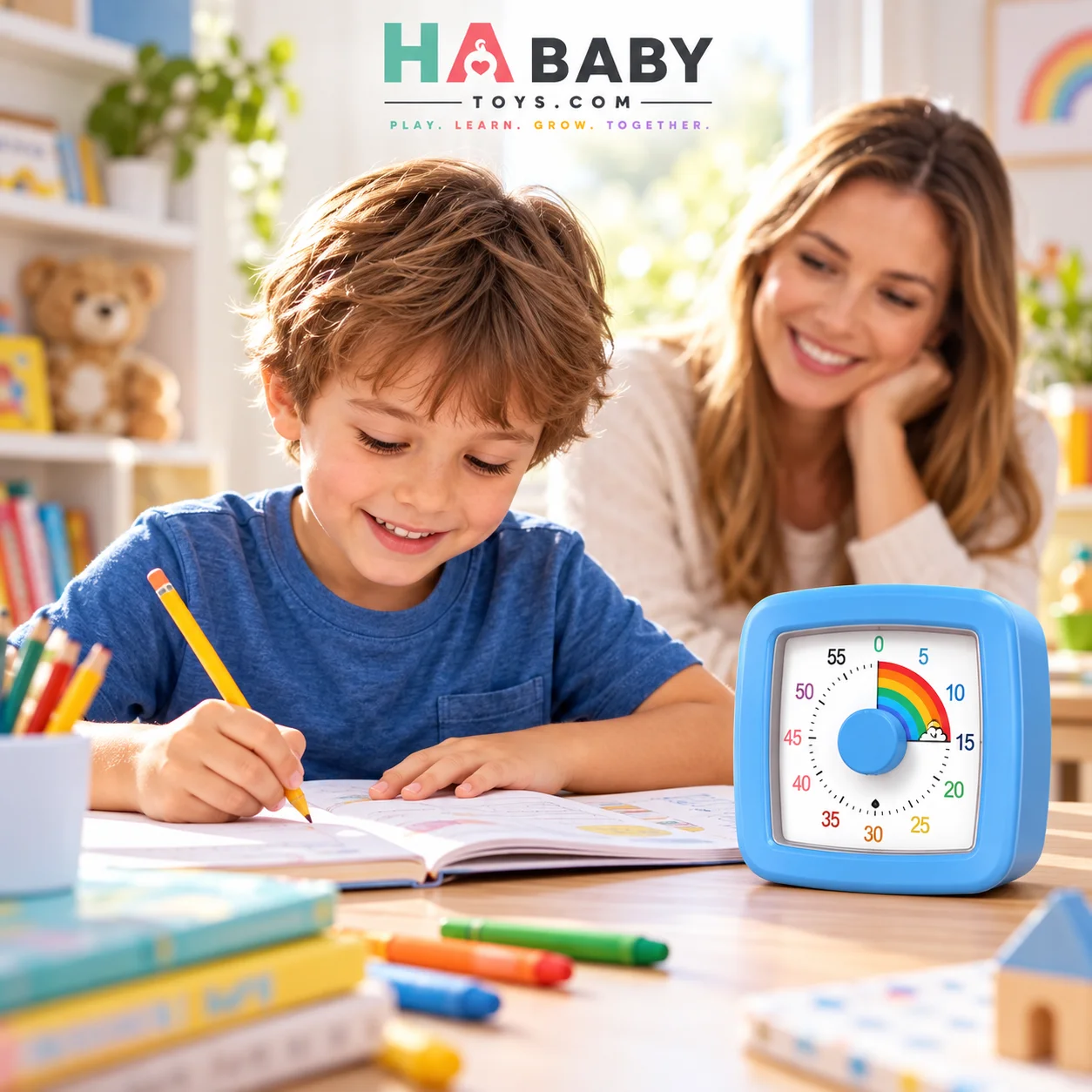
The large rainbow dial can be used during homework, reading, crafts,
cleanup, playtime, study sessions and everyday transitions. Instead
of checking a phone or tablet, children can simply look toward the
timer to see how the countdown is progressing.
If you are new to these products, our
What Is a Visual Timer for Kids? A Simple Parent Guide
explains how visual timers work and how parents can introduce them
into normal family routines.
The visual timer for children is also useful when
an activity needs a clear beginning and ending. A parent might use
it to indicate a reading period before playtime, while a teacher
might use it during independent classroom work or activity stations.
Because the timer covers a full 60 minutes, it can support both
shorter tasks and longer periods. The same device can be used for a
five-minute transition, a fifteen-minute cleanup session or a
forty-minute study block.
To learn more about why a full-hour countdown can be useful, read
Why Choose a 60-Minute Visual Timer for Kids?
.
Everyday Ways to Use a Kids Countdown Timer
Homework and Study
Set a manageable work period and place the timer where it remains
visible. When the countdown finishes, move to the next planned
activity or break.
Reading Time
Use the timer to create a predictable reading period before another
activity begins.
Playtime Transitions
A visible countdown can show children that playtime is approaching
its end instead of making the transition feel completely unexpected.
Toy Cleanup
Turn tidying toys, books or craft materials into a clearly timed
household activity.
Morning and Evening Routines
Use the timer during activities such as getting dressed, packing a
school bag, preparing to leave or organizing a bedroom.
Classroom Activities
Teachers can use the 60 minute visual timer as a
visible reference during independent work, centers, group activities
or transitions between lessons.
Adult Focus Sessions
Although the colorful appearance is designed to be approachable for
children, adults can also use the timer for study, household tasks,
desk work and structured focus sessions.
Tips for Introducing a Visual Timer
Start With a Familiar Activity
Introduce the timer during an activity the child already understands,
such as reading, drawing or cleanup.
Begin With Short Periods
A short countdown can make it easier to demonstrate how the visual
display changes as time passes.
Explain What Happens When Time Ends
Tell children what comes next before starting the timer. For example,
“When the timer reaches zero, we will put the crayons away.”
Keep the Timer in View
Position the timer so it can be checked without interrupting the
activity.
Use Reasonable Time Limits
Choose countdown lengths that fit the activity and the child’s
abilities rather than using the timer simply to rush a task.
Keep the Routine Consistent
Using the timer in similar situations can make it a familiar cue
within everyday routines.
Building Predictable Family Routines
A timer is most useful when it supports a clear and predictable
routine. Parents can pair the visual countdown with simple
expectations about what activity is happening now and what comes next.
For additional information about creating structure and routines
with young children, visit the
CDC guidance on structure, routines and rules
.
The timer itself is a practical time-management aid. It should be
used as part of age-appropriate routines rather than treated as a
replacement for parental guidance, teaching or direct interaction.
Learn More About Visual Timers for Kids
What Is a Visual Timer for Kids?
Learn how a kids visual timer works and how parents can use
one in everyday routines.
How to Use a Kids Visual Countdown Timer
Follow simple setup and usage steps for homework, routines
and other timed activities.
Why Choose a 60-Minute Visual Timer?
Explore practical reasons families may prefer a full-hour
visual countdown.
Frequently Asked Questions
What is a visual timer for kids?
A visual timer shows the remaining countdown through a visible
display rather than relying only on changing numbers. This model
uses a colorful rainbow-style dial and minute markings.
How long can this timer count down?
The timer can be set for periods of up to 60 minutes.
What activities can I use it for?
It can be used for homework, reading, studying, playtime, crafts,
cleanup, classroom tasks, transitions and many other timed routines.
Does the timer require an app?
No. Normal use does not require a phone, tablet, app or internet
connection.
What battery does the visual timer use?
The supplied product information specifies one AA battery.
The battery is not included.
What are the dimensions?
The product reference shows approximate dimensions of
9.5 × 9.5 × 4.7 cm, or approximately
3.74 × 3.74 × 1.85 inches.
What colors are available?
The visual timer is shown in blue, pink, white and orange variations.
Can adults use the visual timer?
Yes. Adults can also use it for study sessions, desk work,
household activities or other tasks that benefit from a visible
countdown.
Where can I find more answers?
Visit the
HA Baby Toys FAQ
for more product and ordering information.
Explore More from HA Baby Toys
Browse more products in the
HA Baby Toys shop
or explore buying guides, educational articles and product tips on
the
HA Baby Toys blog
.
Parents researching this product can start with our
visual timer parent guide
,
continue with our
visual countdown timer usage guide
,
and then read
why families may choose a 60-minute visual timer
.
Visit the
HA Baby Toys homepage
to explore the complete collection.
Make Time Easier to See
Explore the HA Baby Toys 60-minute visual countdown timer for
homework, learning, play, classroom activities and everyday routines.
Reviews
There are no reviews yet.